

Remember values between messages and restarts
Each message that goes through a flow forgets the one before. To count the packs of a shift, keep the last setting an operator chose or compare with the previous result, a flow keeps values in its context: memory that every node of the tab can read and write. In this guide you count packs in the flow's context, look at it in the editor, and save it to a file so that the count survives a restart of the controller.
What you will learn
- How to keep a value from one message to the next
- Where to see what a flow remembers
- How to save it to disk and load it back when the flow starts
Before you start
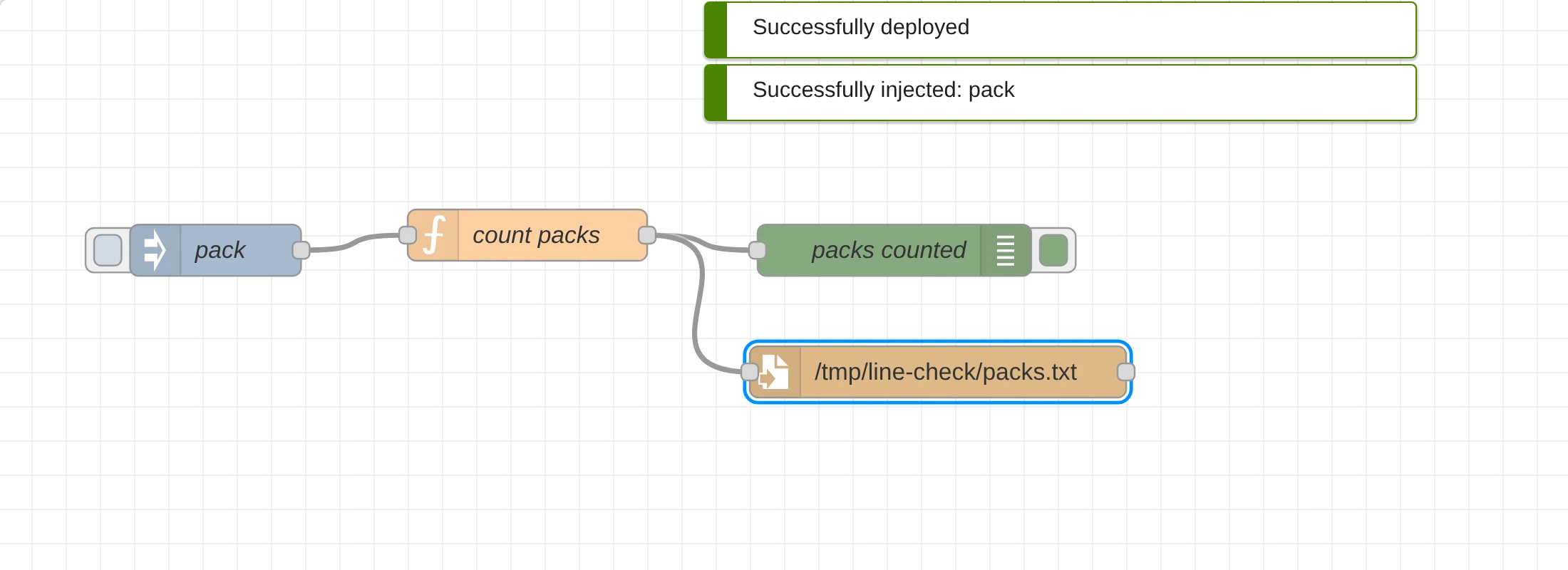
Here an inject node named «pack» stands for each pack inspected, and a debug node, «packs counted», shows the count. The basics of the function node are in Decide pass or fail from the predictions.
1. Count in the flow's context
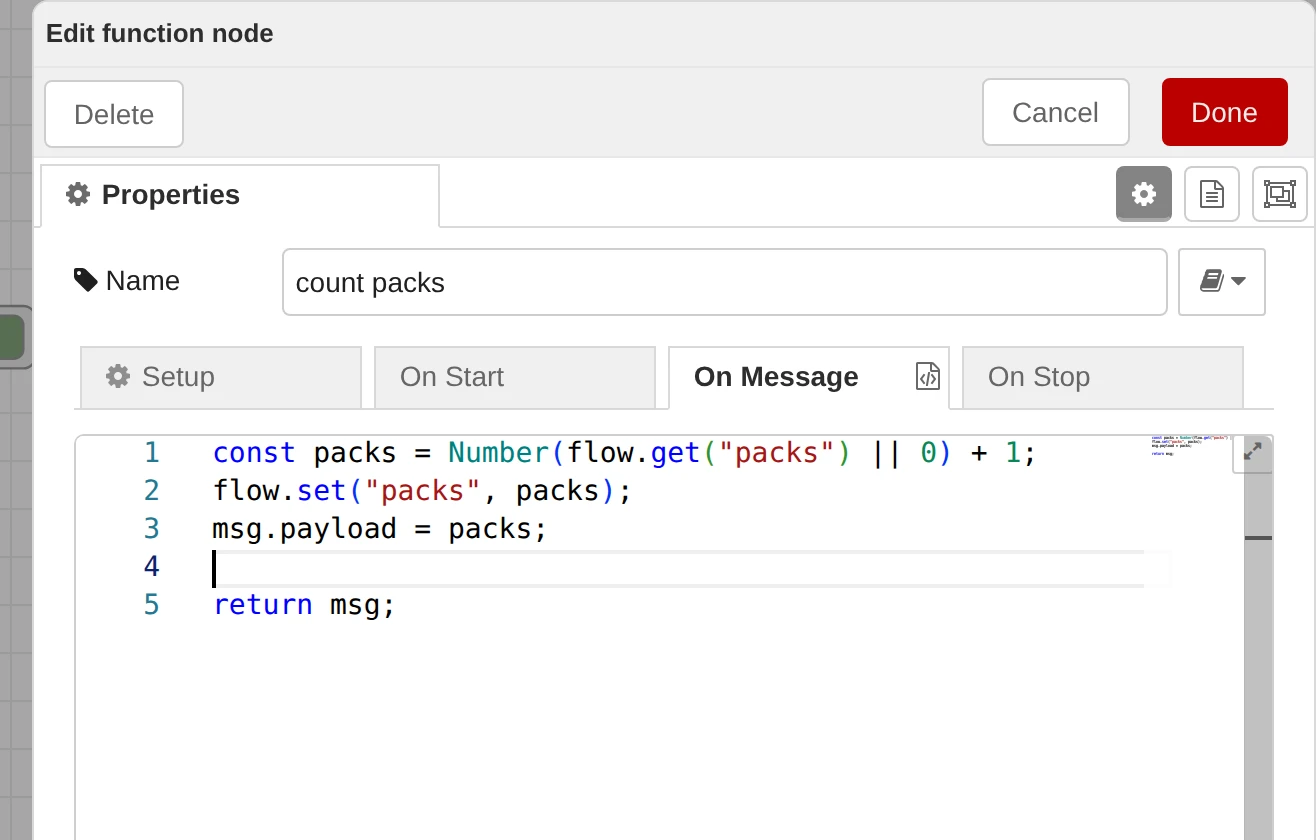
Add a function node between «pack» and «packs counted», name it and write above return msg;:
const packs = Number(flow.get("packs") || 0) + 1;
flow.set("packs", packs);
msg.payload = packs;2
3
flow.get reads a value the flow keeps, here packs, and flow.set stores the new one. Every node of this tab can read it; global.get and global.set share a value with every tab of the controller, and context keeps one for this node alone. Number() turns the count back into a number when it comes from a file, as it will below.
2. Count three packs
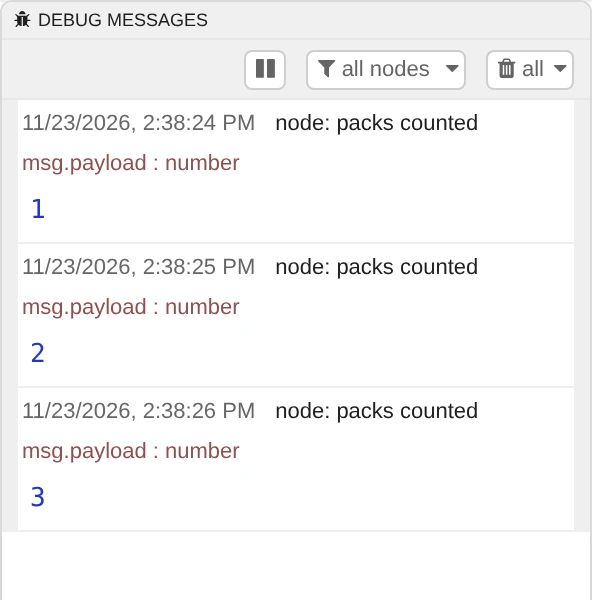
Click «Done», deploy and press «pack» three times. Each message finds the count the one before left, and adds one.
3. See what the flow remembers
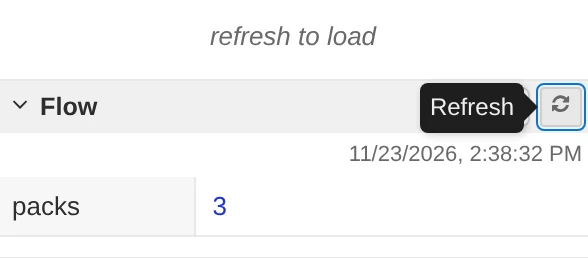
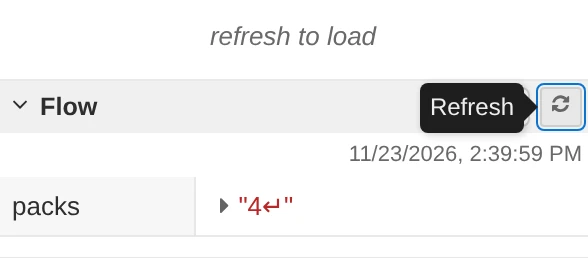
Click «Context Data» at the bottom of the right sidebar. It has three parts: «Node», for the node you select, «Flow», for this tab, and «Global». Click the refresh button of «Flow»: it lists packs with its value. The panel does not follow the values by itself; refresh it to see them change.
4. Save the count to a file
On this controller the context is kept in memory, so a restart of the controller clears it. Type file in «filter nodes», add a «write file» node after «count packs», open it, set «Filename» to /tmp/line-check/packs.txt and «Action» to «overwrite file»: each new count replaces the last one on disk. Tick «Create directory if it doesn't exist». Click «Done», deploy and press «pack»: the count, 4, is now in the file too.
5. Read it back when the flow starts
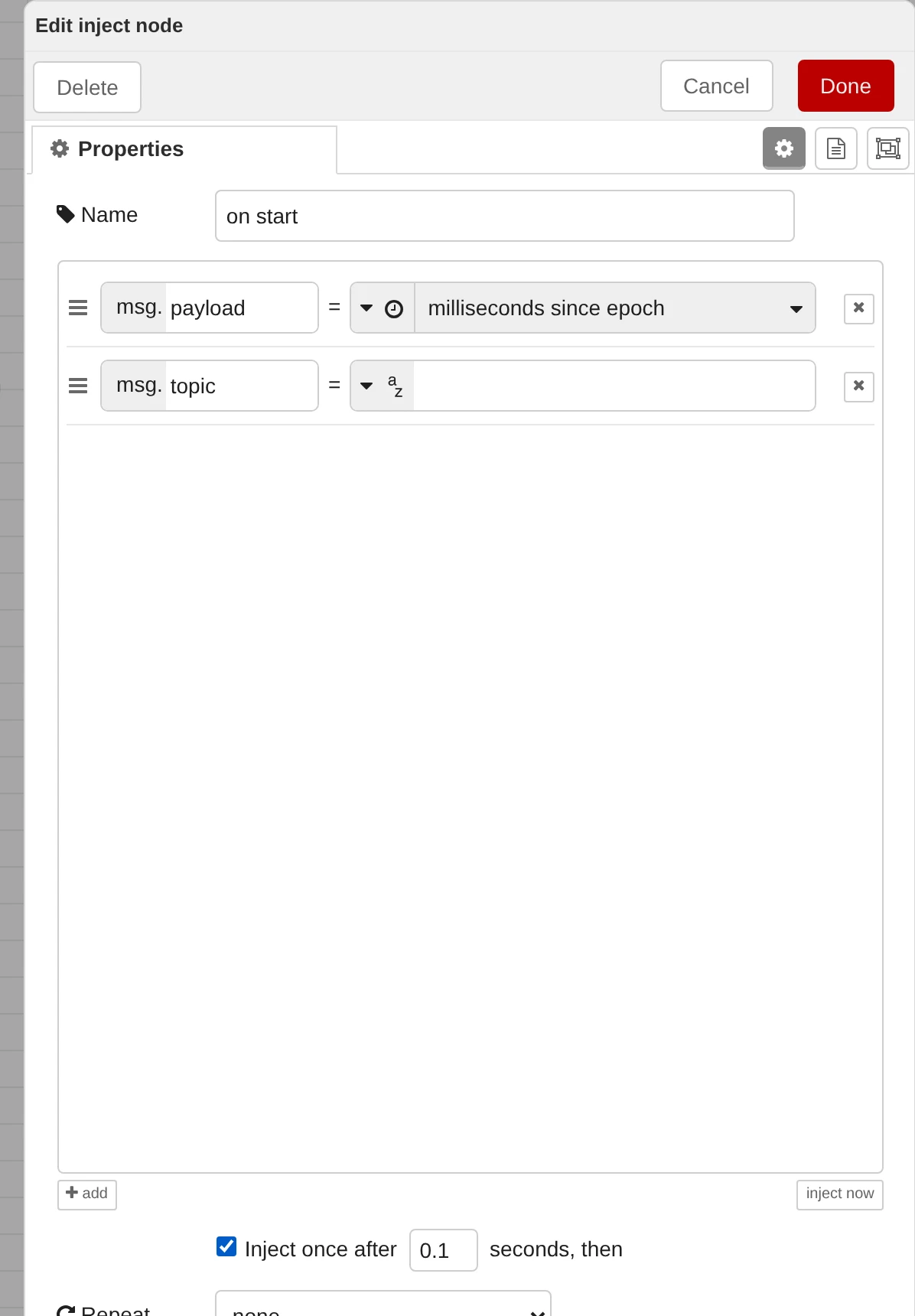
Add an inject node, name it «on start» and tick «Inject once after 0.1 seconds»: it sends a message each time the flow starts, after a deploy or a restart. Add a «read file» node after it with the same «Filename», /tmp/line-check/packs.txt. It reads the file into msg.payload as text.
6. Put the count back in the flow
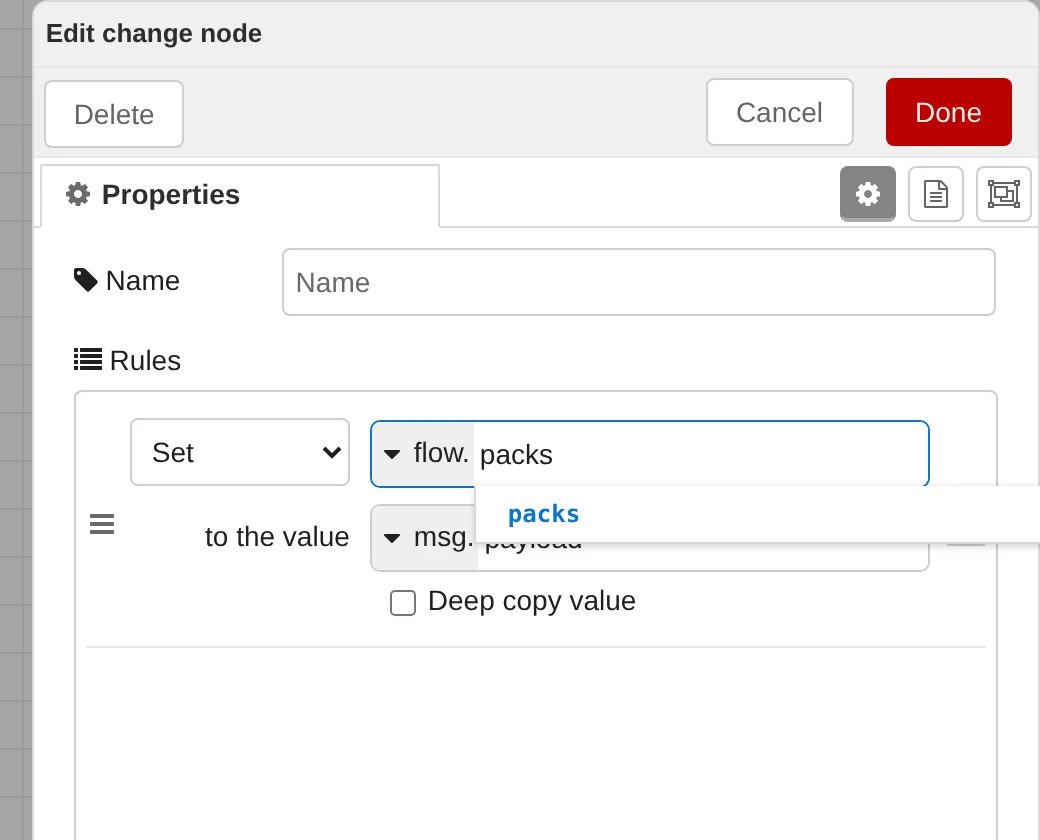
Click «Done». Add a change node after «read file» and open it. Set the rule to «Set» flow.packs «to the value» msg.payload: switch the type of the value from «string» to msg. and write payload, then switch the type of the first field from msg. to flow. and write packs.
7. Check it as after a restart
Click «Done». To see what happens after a restart without restarting the controller, delete packs in «Context Data»: hover over it and click the bin. Then deploy: the new «on start» node runs once, reads the file and puts the count back. Refresh «Flow» to see it: it comes back as the text the file holds, «4» and a line break, which Number() in «count packs» turns back into a number.
8. Count on
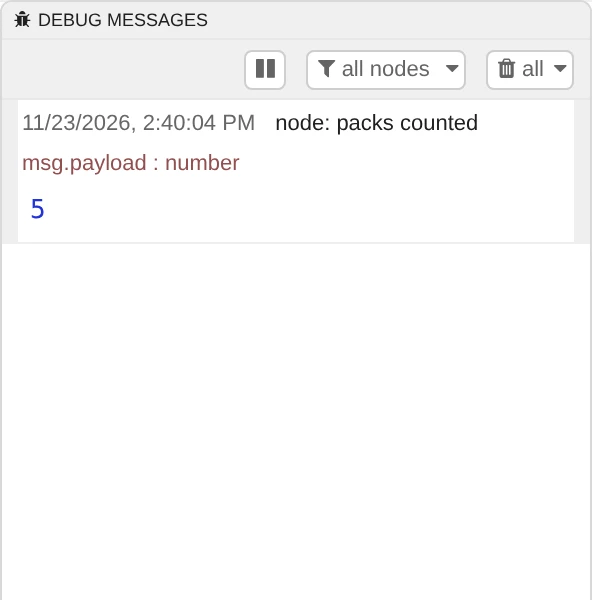
Press «pack» again: the count goes on from where the file left it. On a line, the count of the shift survives a power cut.
Good to know
- Without code. The change node also reads and writes the context: «Set»
flow.packs«to the value»msg.payloadstores it, and «Set»msg.payload«to the value»flow.packsreads it. A switch node can test a context value directly. - Several values. Save an object, such as
{ packs, rejected, lastLot }: the «write file» node writes it as JSON, and a JSON node after «read file» turns it back into an object. The demo flows of the controller keep their whole state this way, in astate.jsonfile. - Where to keep the file. A guide like this one writes to a temporary folder and deletes it at the end. Keep yours in the controller's storage folder,
/opt/storage, which survives updates. - A store on disk. Node-RED can also keep the context itself on disk, if the controller's
settings.jssets up a file context store; this controller keeps it in memory only.
Next steps
Recorded on Rosepetal release 1.8.15, Node-RED 5.0.10.