Create and Configure a Dataset in Rosepetal
This tutorial guides you through creating a dataset in Rosepetal
1. Introduction
You will learn how to name and classify your dataset for effective organization.
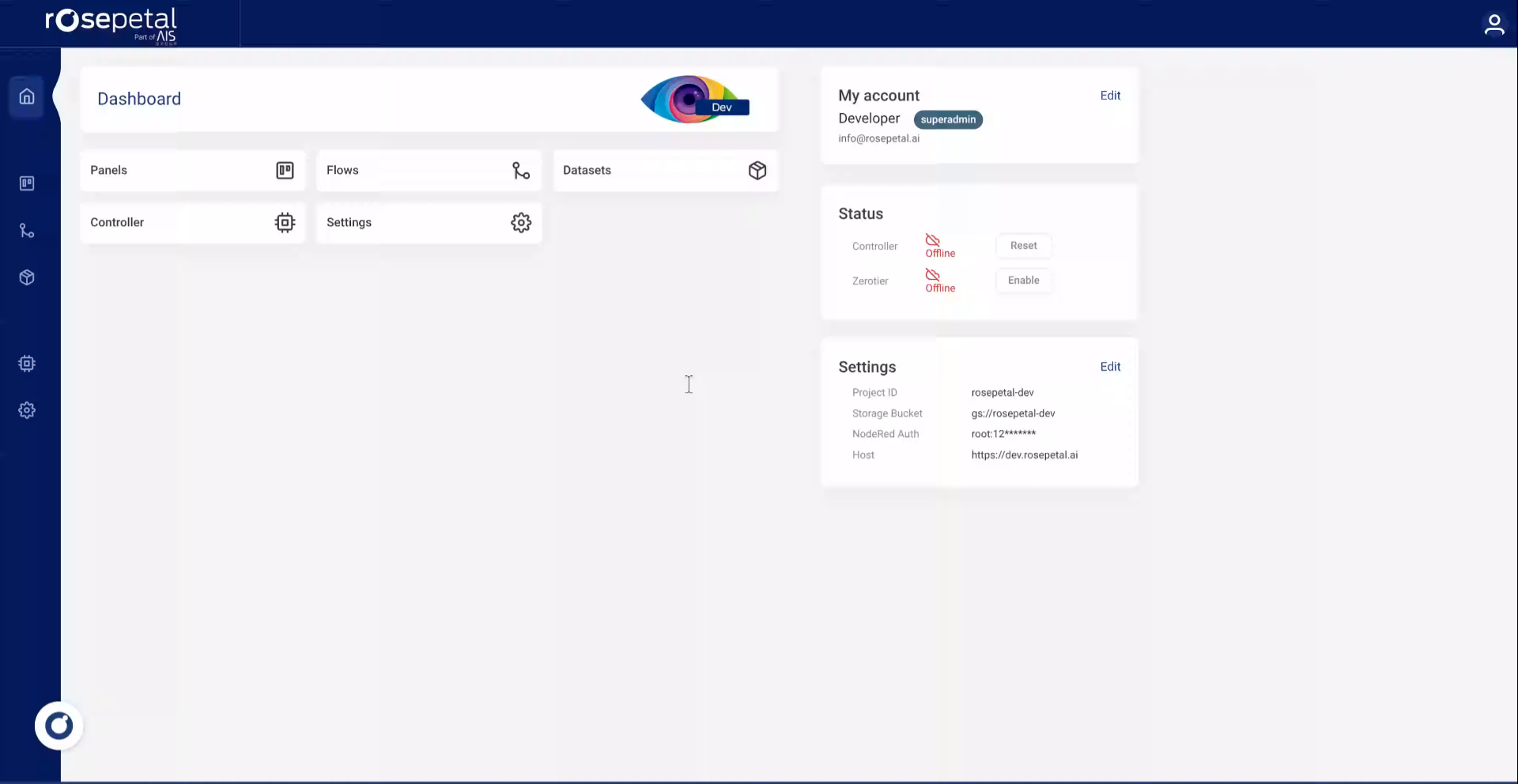
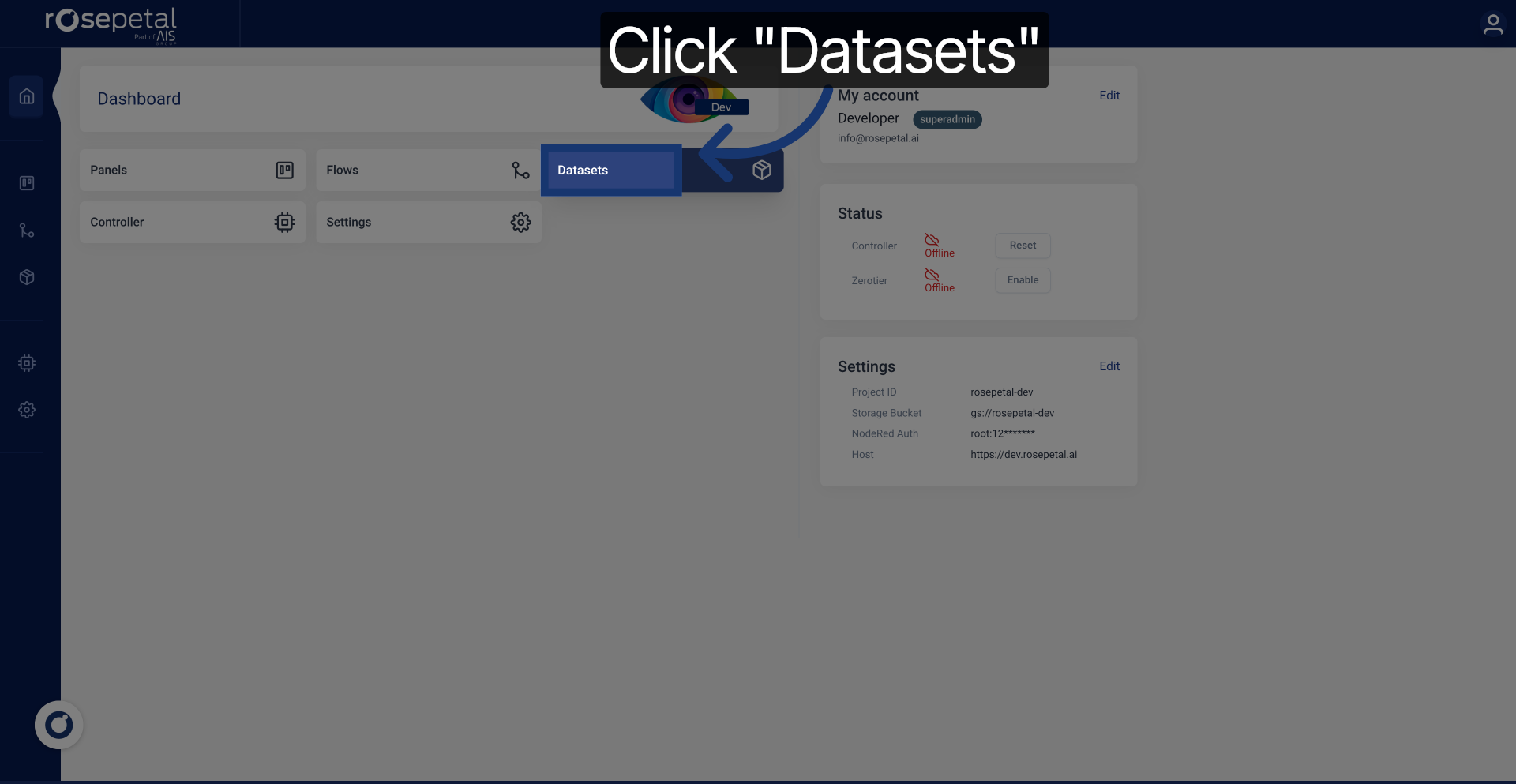
2. Navigate to Datasets Section
Click the Datasets section to access your dataset management area.
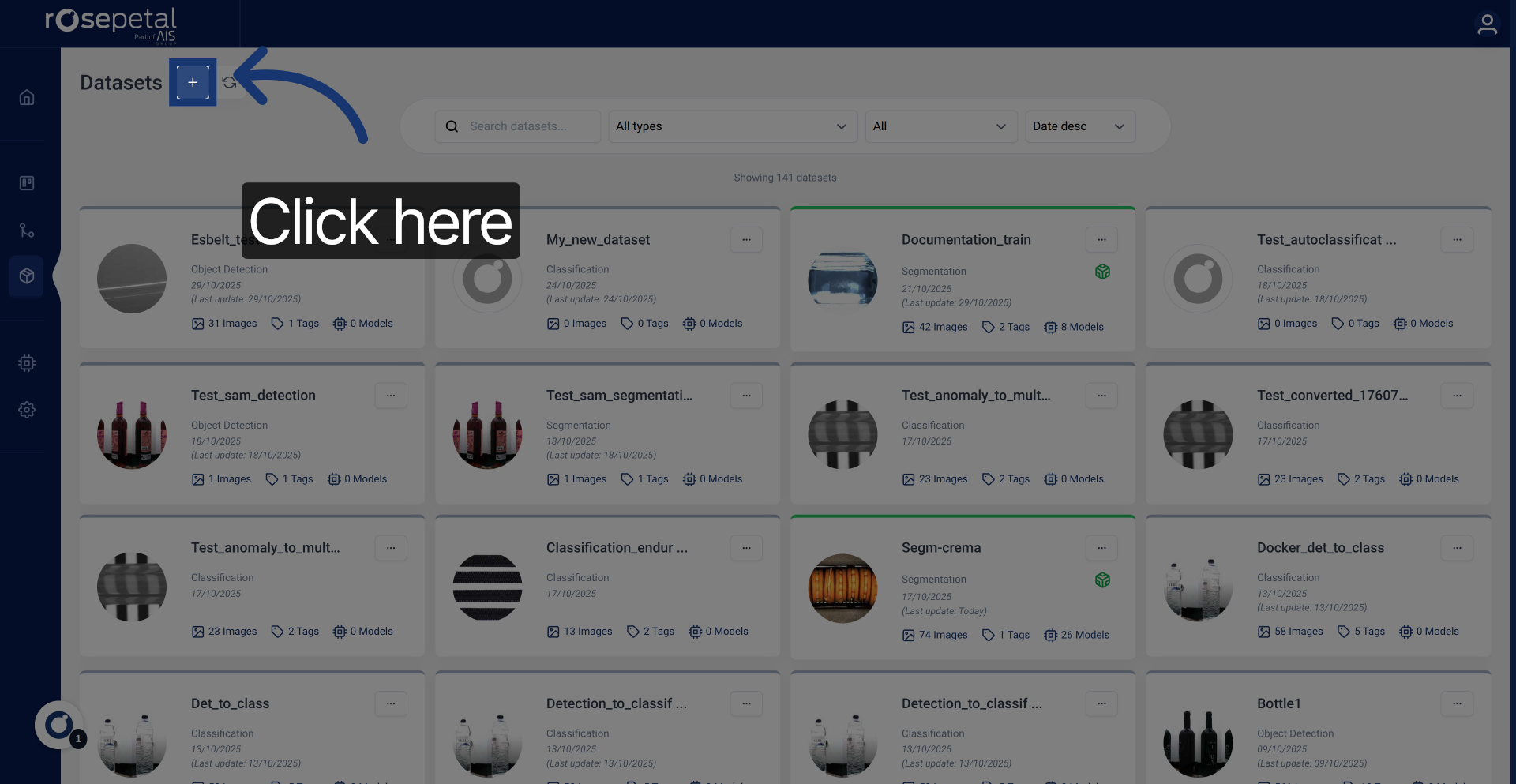
3. Open Dataset Creation Menu
Click here to open the menu for creating a new dataset.
4. Enter Dataset Name
Enter your dataset name to identify it clearly within the system. Select between classification, anomaly detection, object detection or image segmentation to assign a category that best describes your dataset.
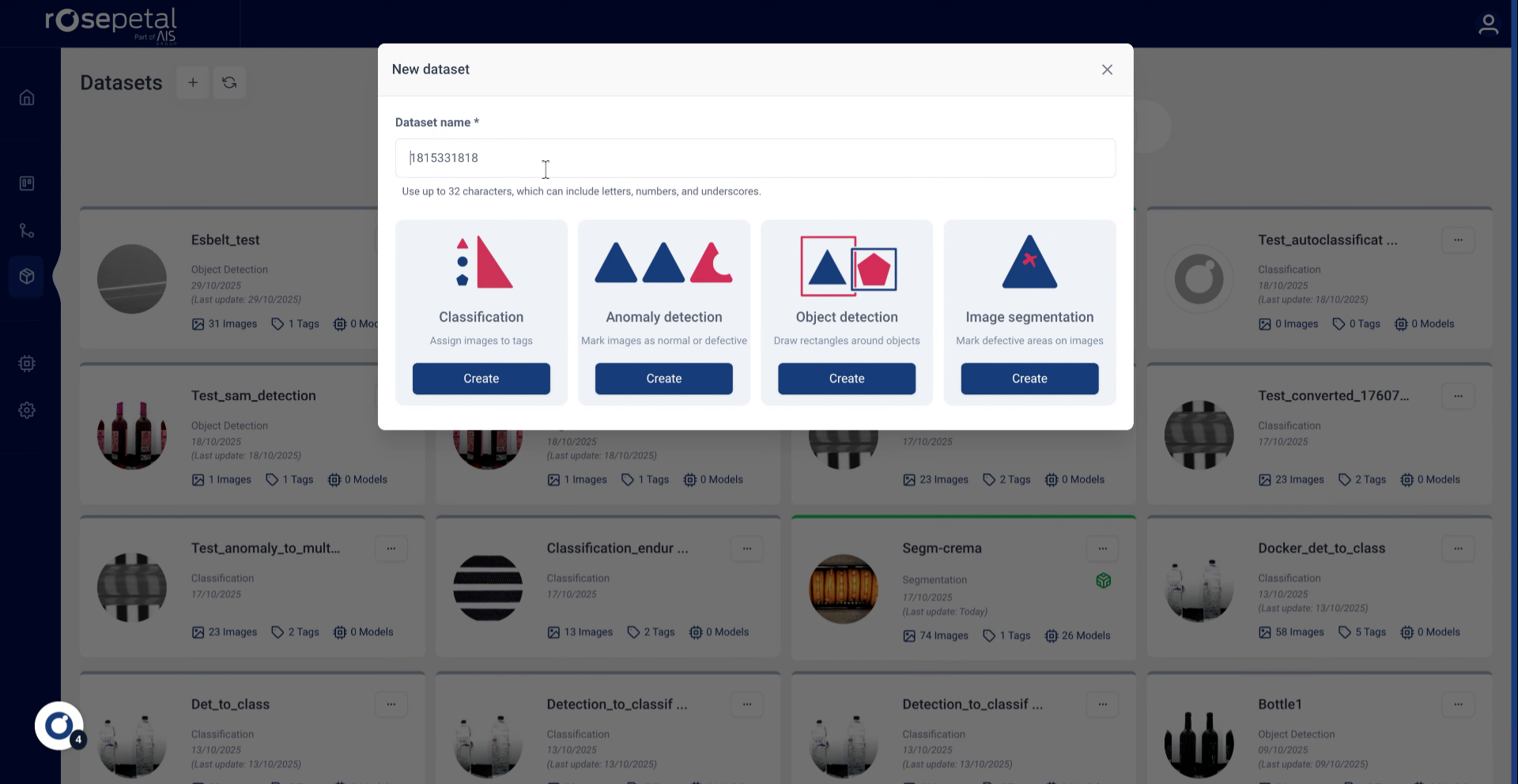
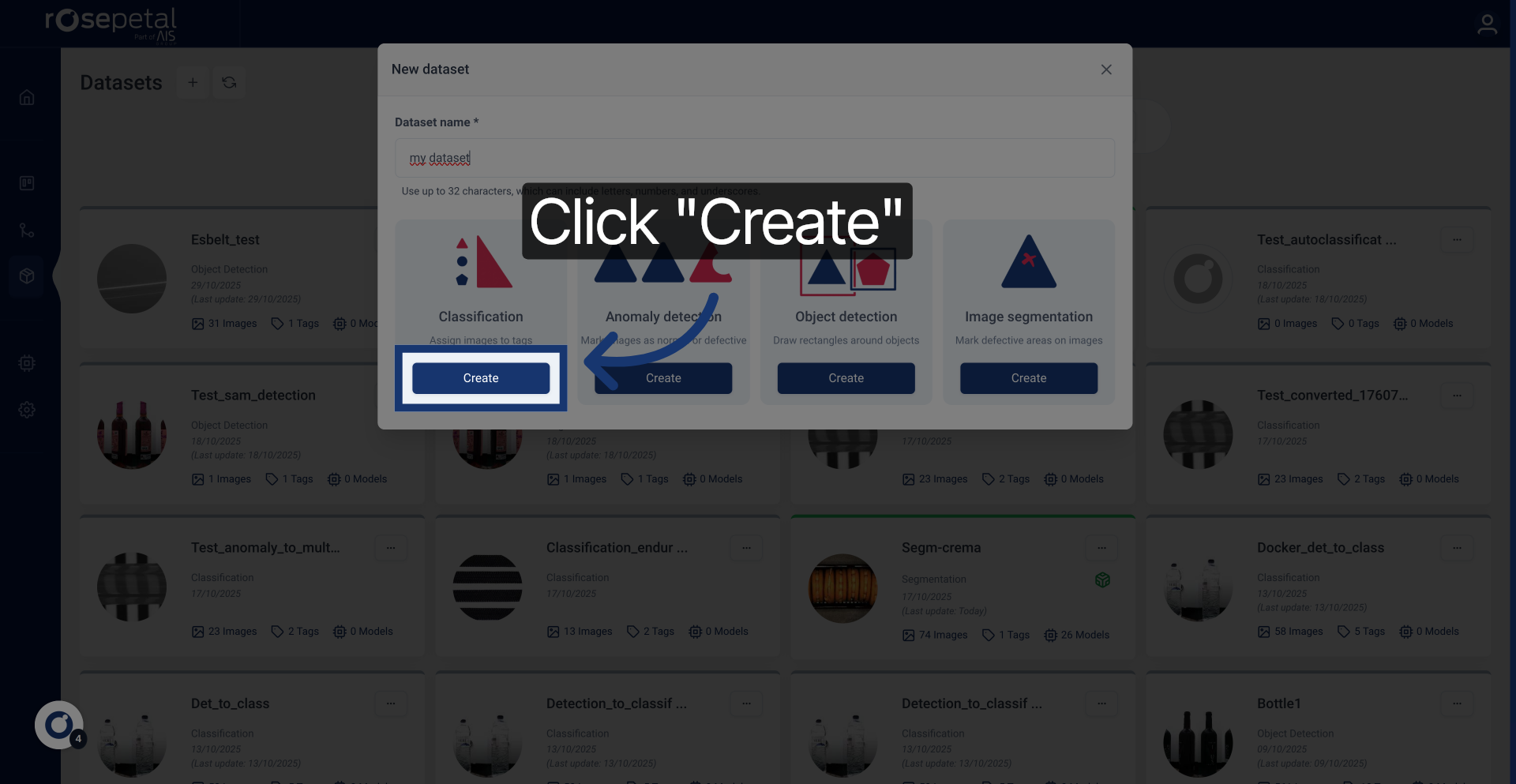
5. Create the Dataset
Click the Create button to finalize and save your new dataset.