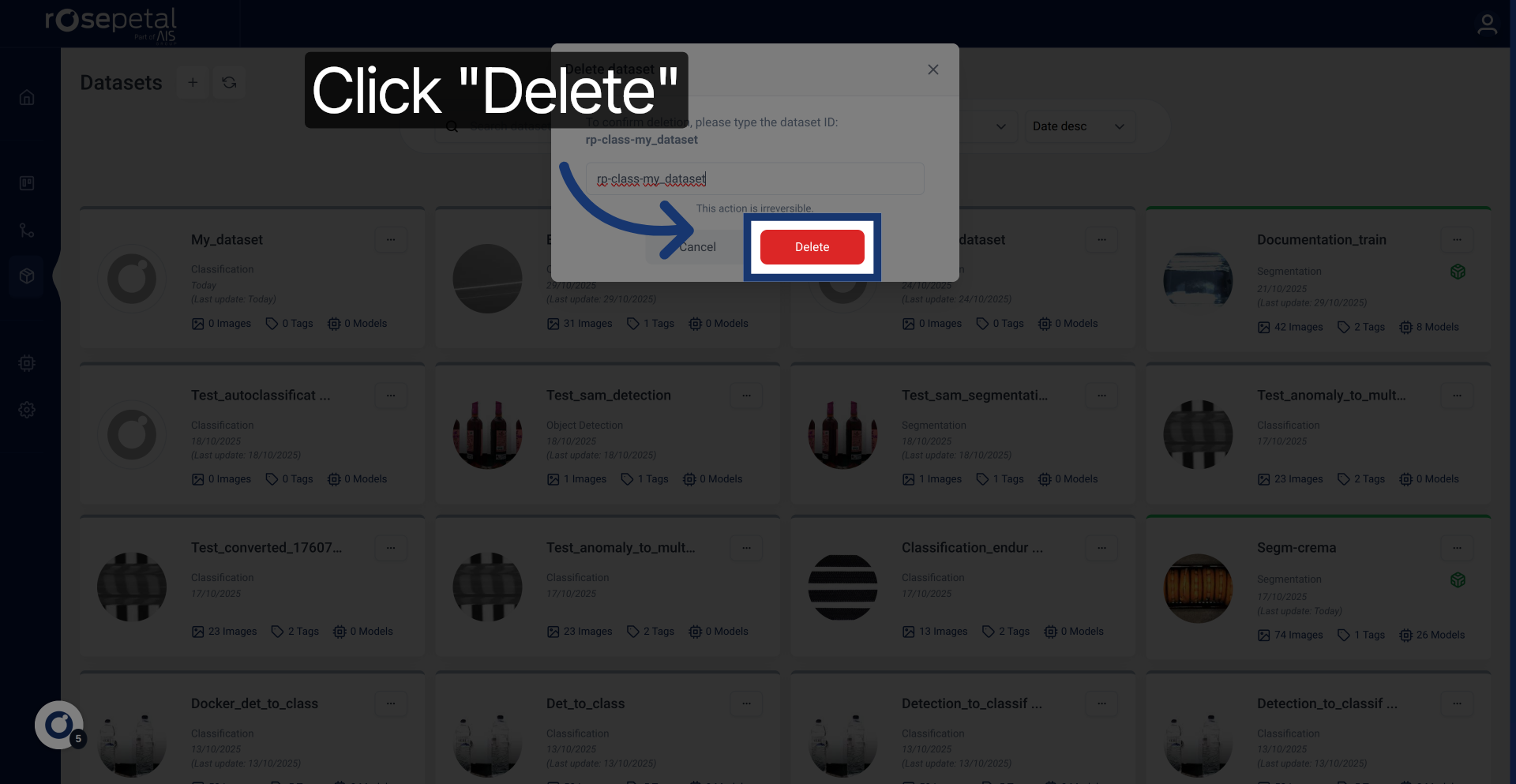
Delete Dataset Efficiently in Rosepetal Application
This tutorial explains how to delete a dataset within the Rosepetal application
1. Introduction
You will learn the necessary steps to safely remove a dataset by confirming its identity before deletion.
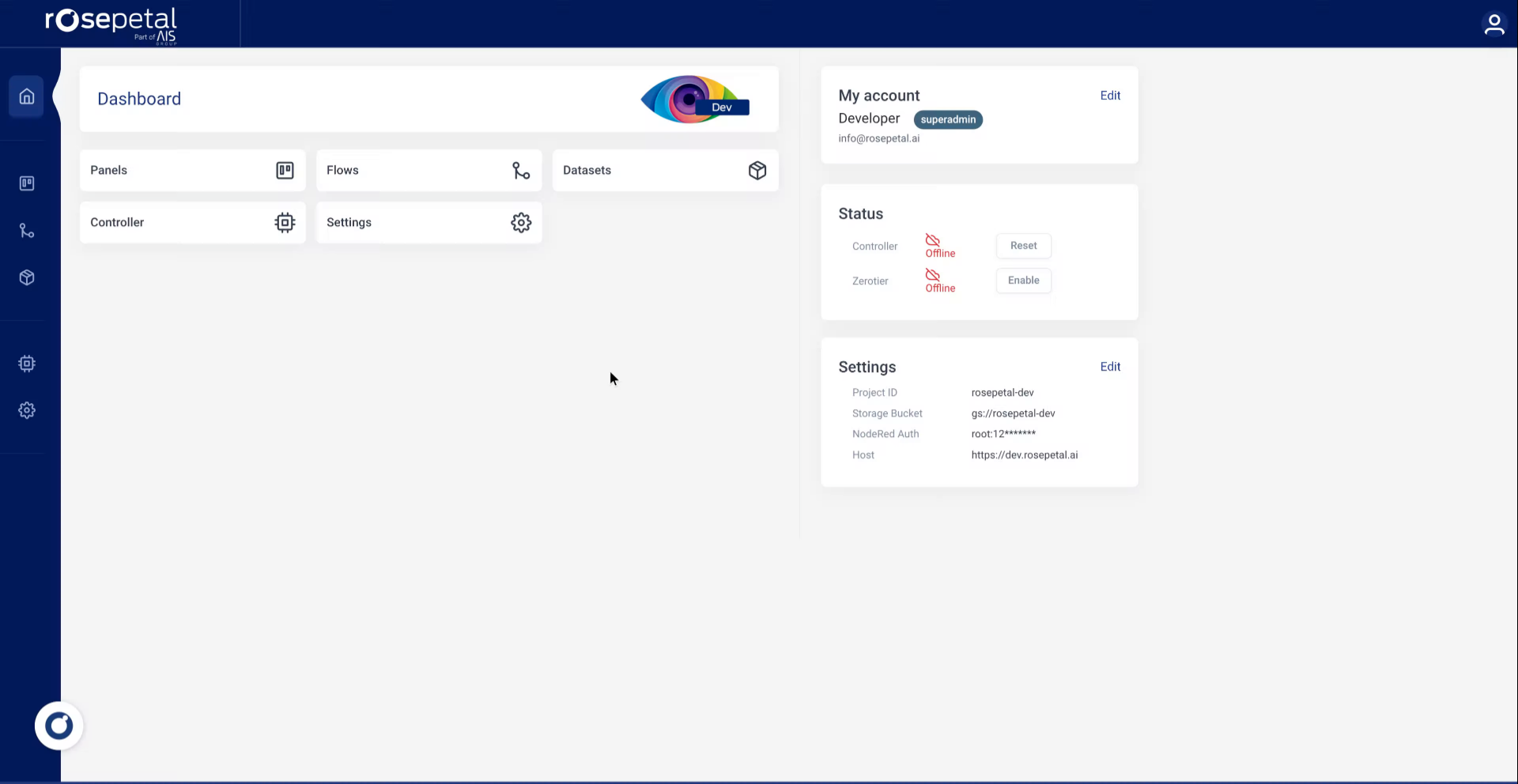
2. Open Dashboard Settings
Click the Dashboard DashboardPanelsFlowsDatasetsControllerSettings.
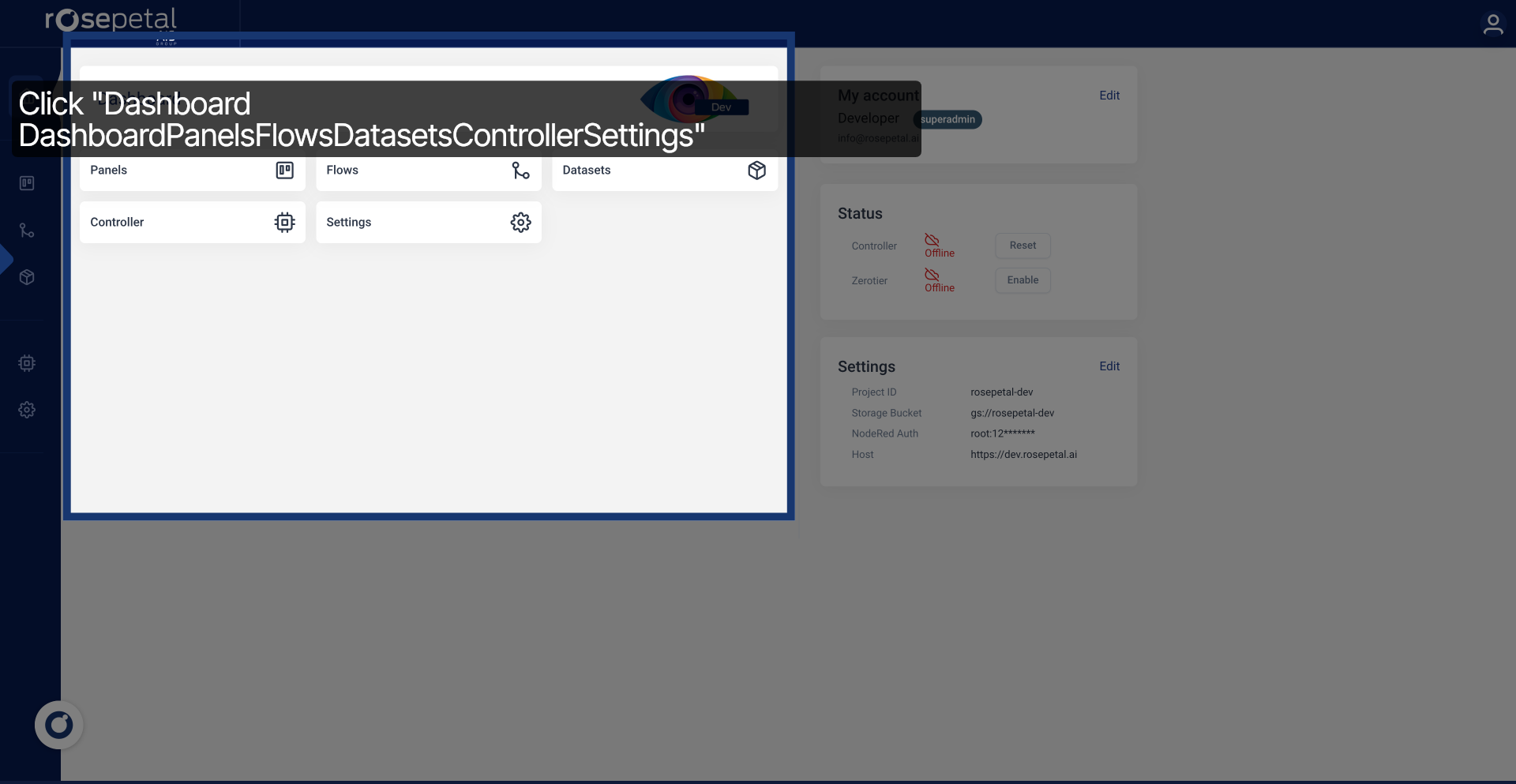
3. Access Datasets Section
Click Datasets to view all available datasets.
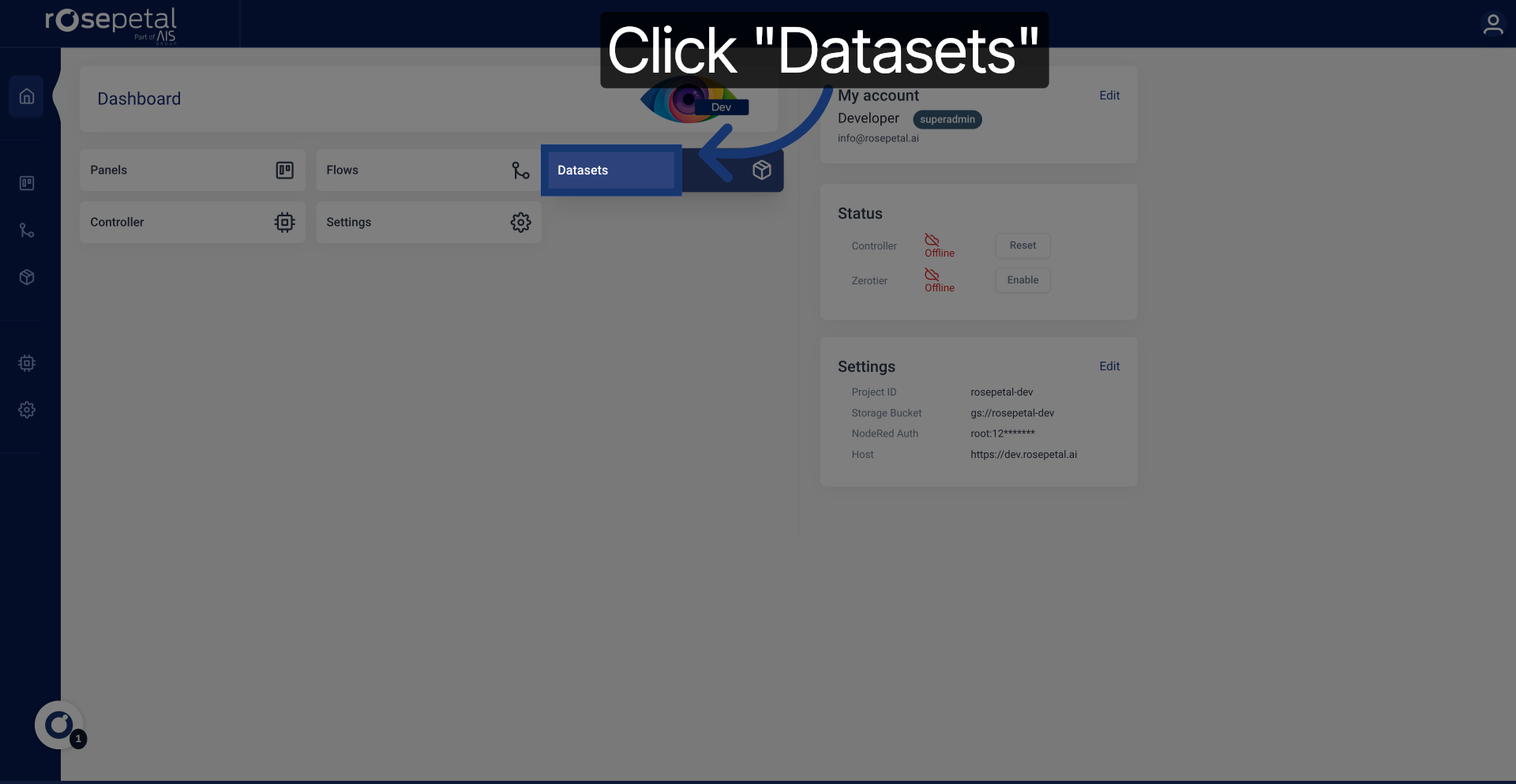
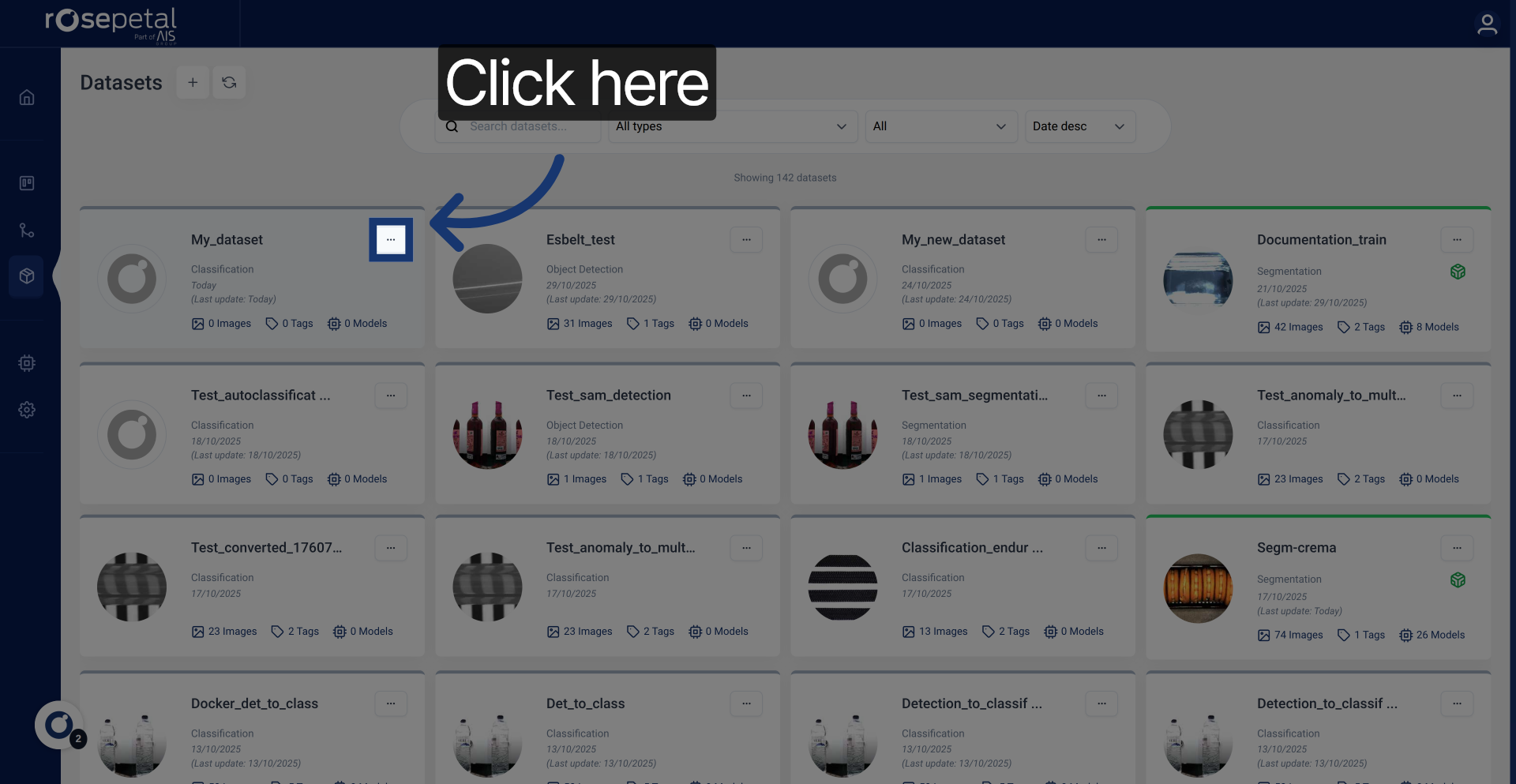
4. Initiate Dataset Deletion
Click here to begin the deletion process for the selected dataset.
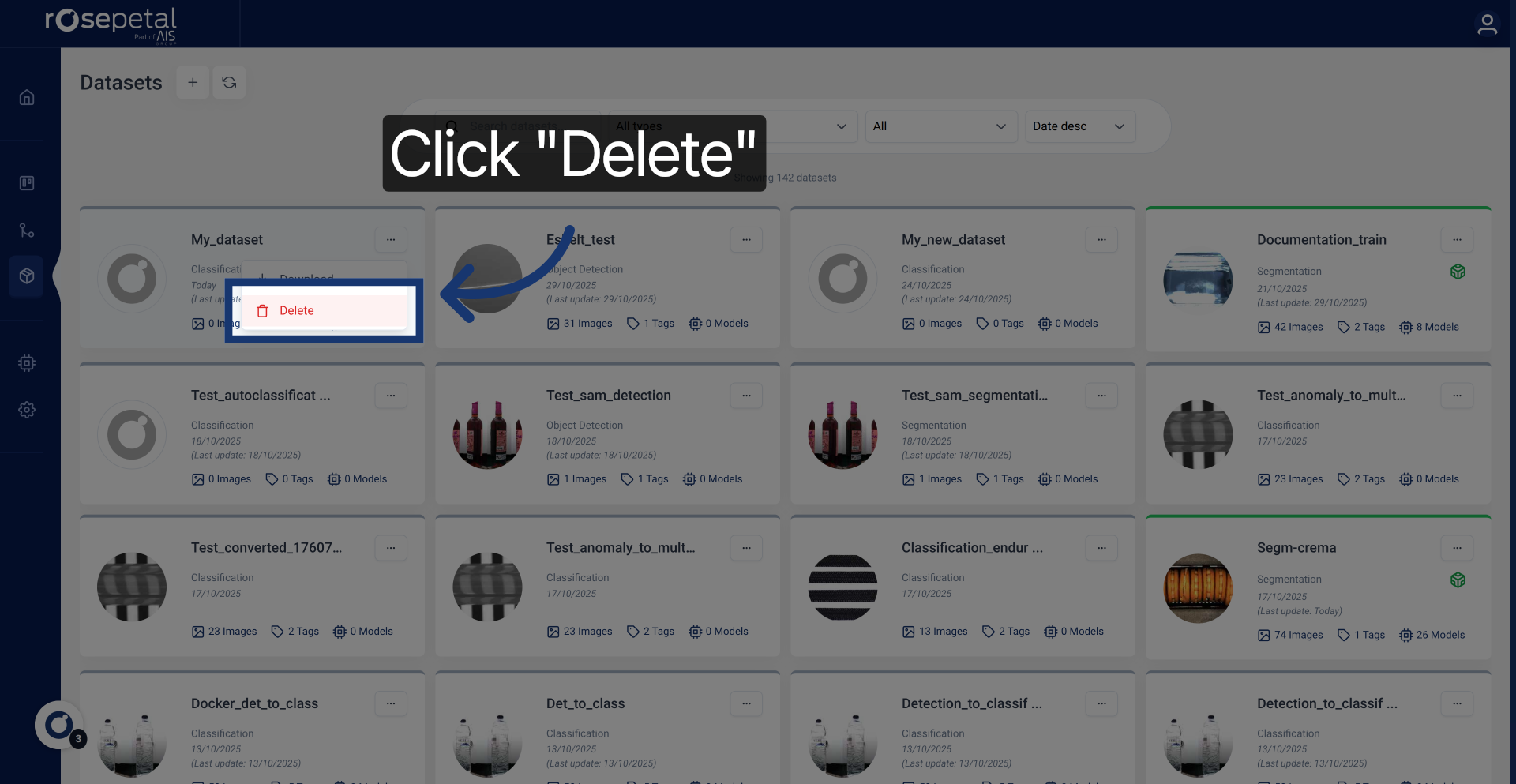
5. Select Delete Option
Click Delete to proceed with removing the dataset.
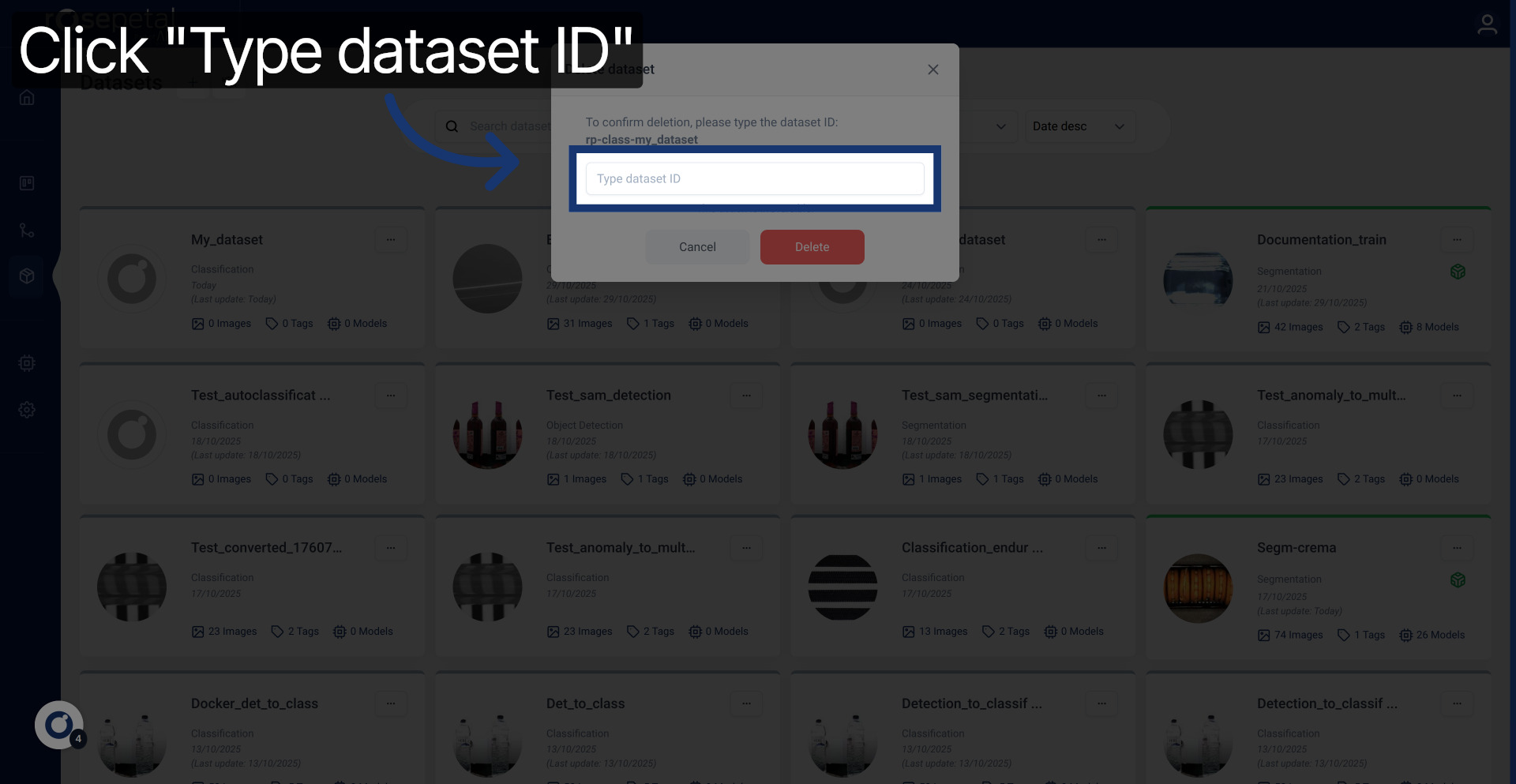
6. Prompt Dataset ID Entry
Click Type dataset ID to confirm the dataset you want to delete.
7. Enter Dataset Identifier
Enter your dataset ID.
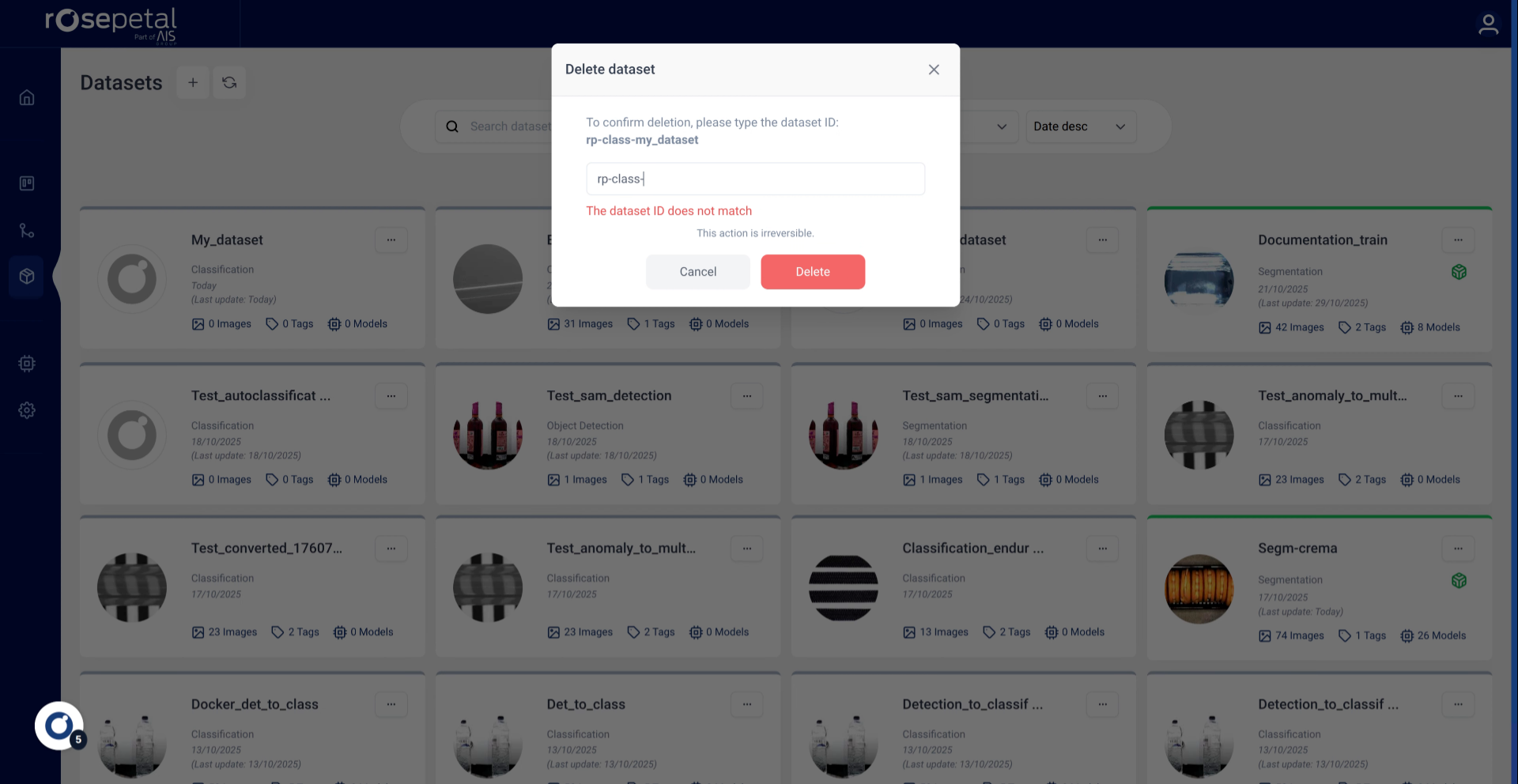
8. Confirm Dataset Deletion
Click Delete to permanently remove the dataset.