Import Dataset Using Rosepetal Application
This tutorial guides you through importing a dataset into the Rosepetal application
1. Introduction
You will learn how to upload files and organize your data for labeling.
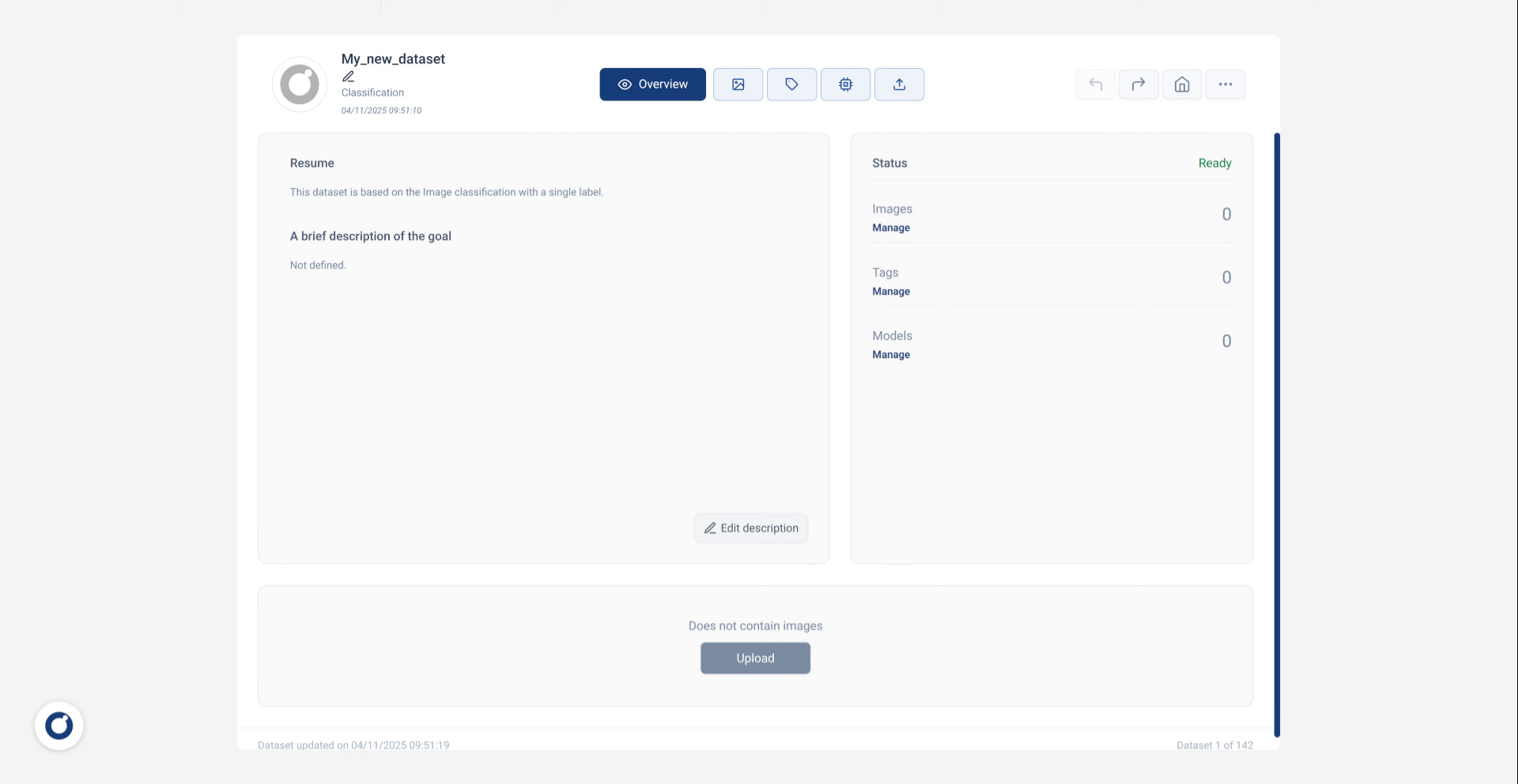
2. Click Upload Button
Click the Upload button to begin the dataset import process.
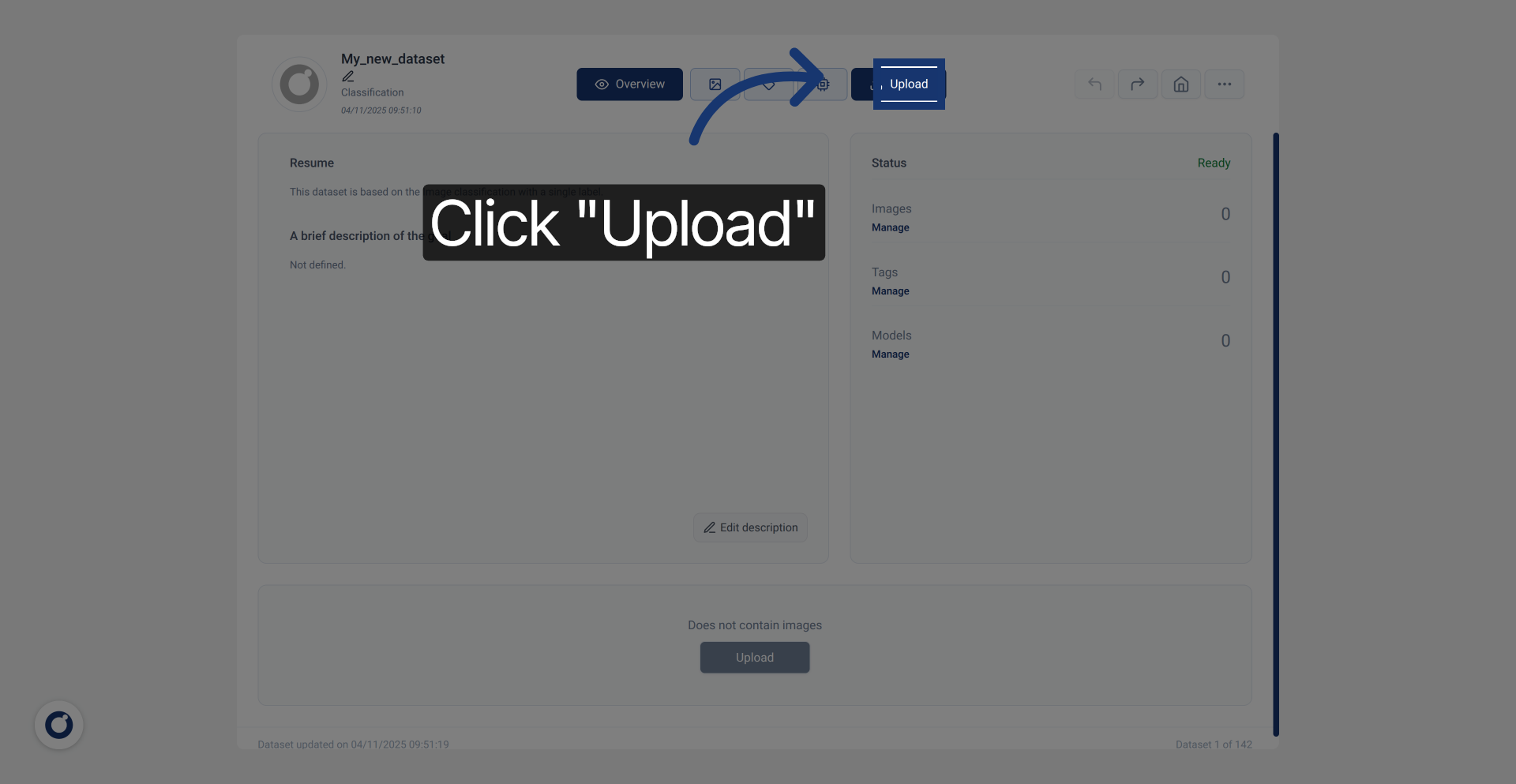
3. Click Select Files Option
Click Select Files to choose individual files or a zip file for uploading.
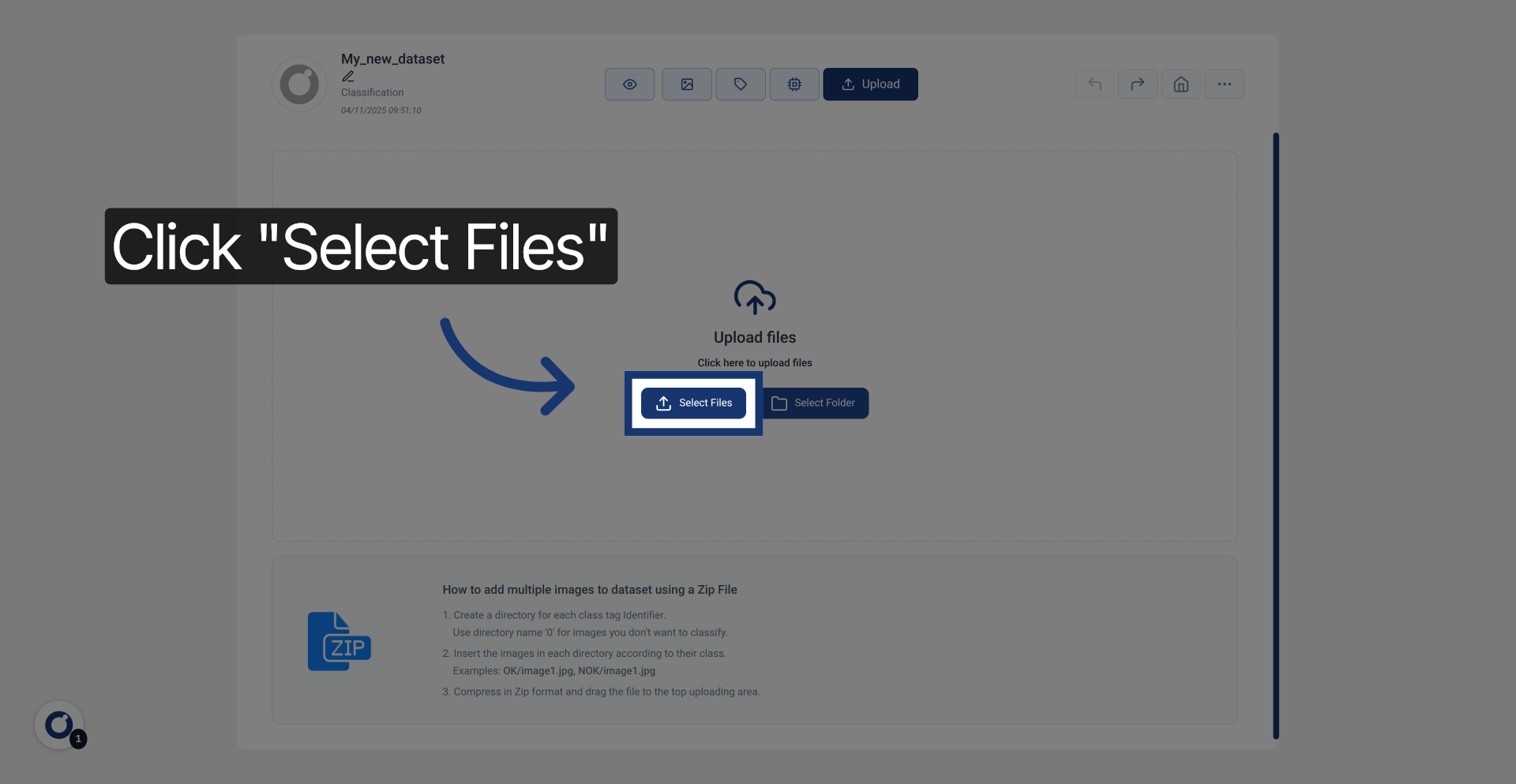
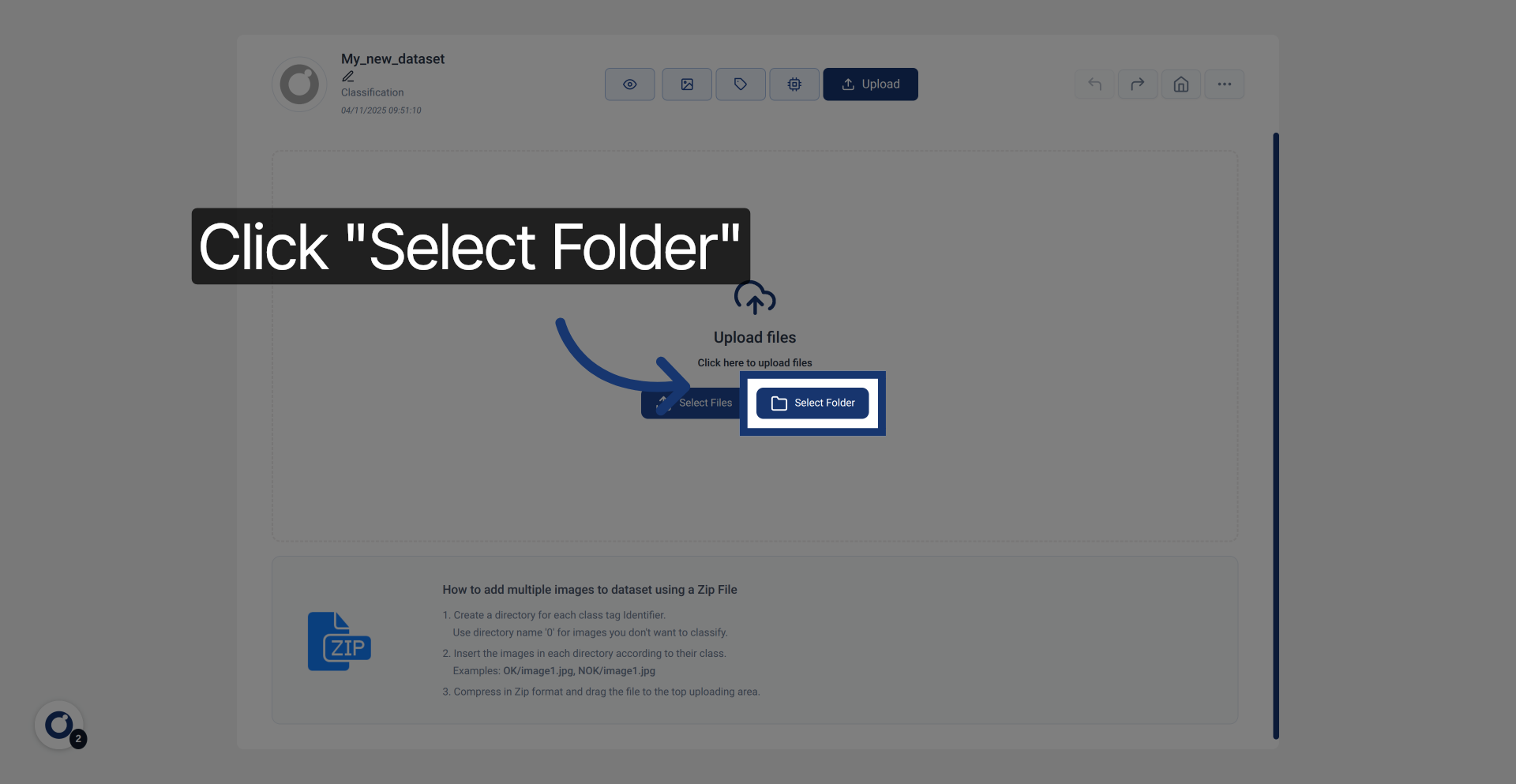
4. Click Select Folder Option
Click Select Folder to select an entire folder containing your dataset files.
5. Enter File Path
Enter the path to your dataset archive file to specify which files to upload.
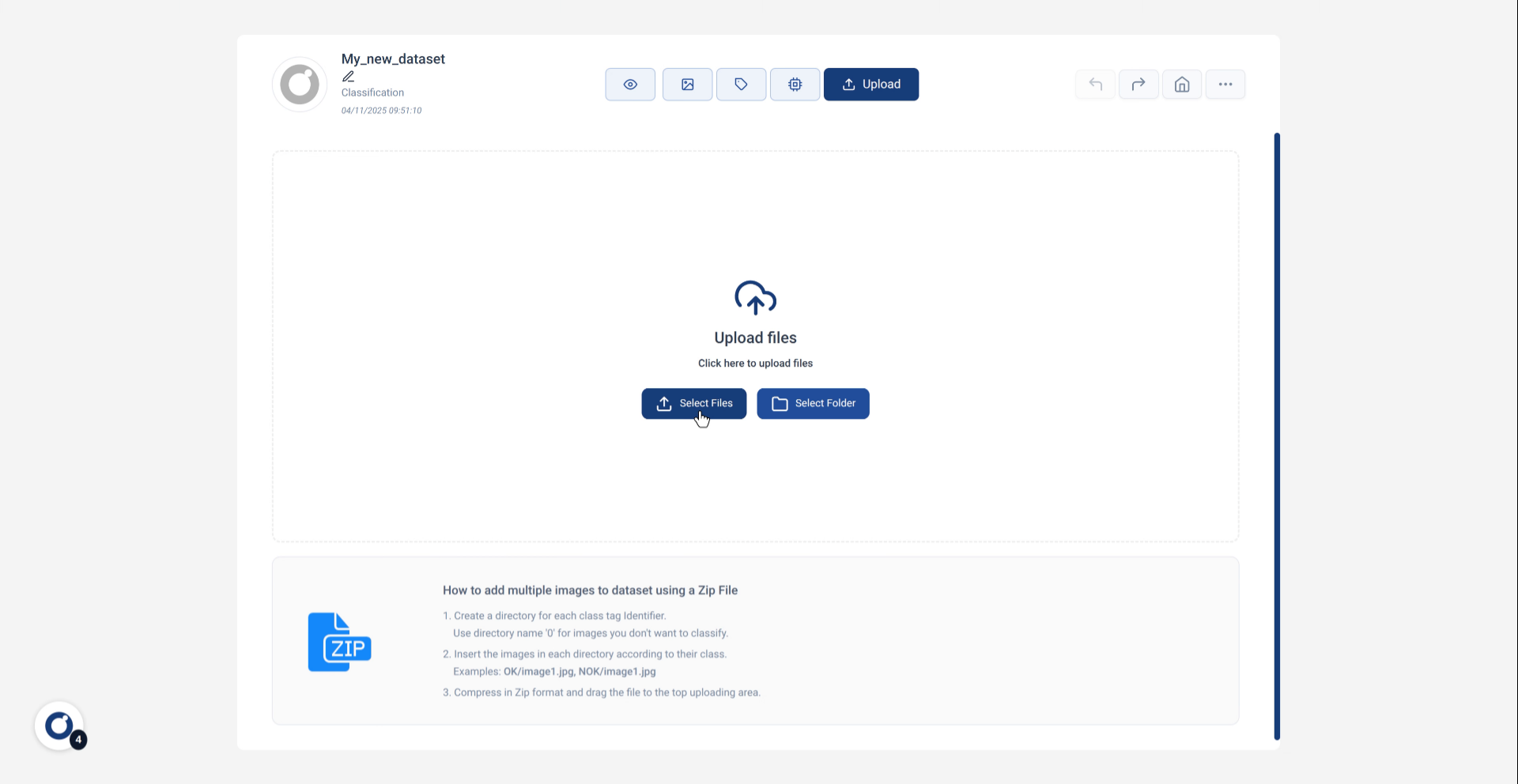
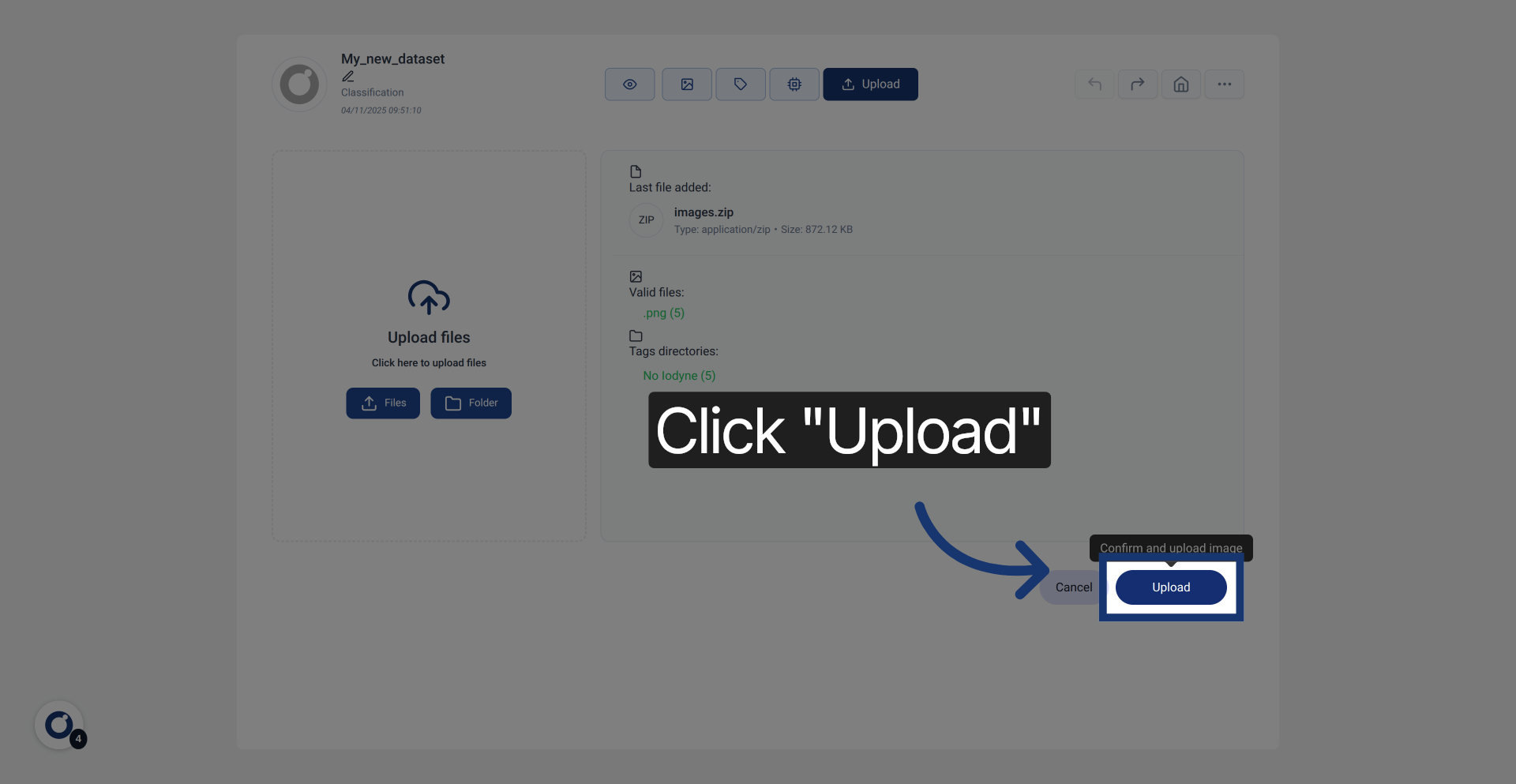
6. Click Upload To Start
Click the Upload button to start uploading your selected files to the application and prepare for further actions.