

Pizza Bytes #2
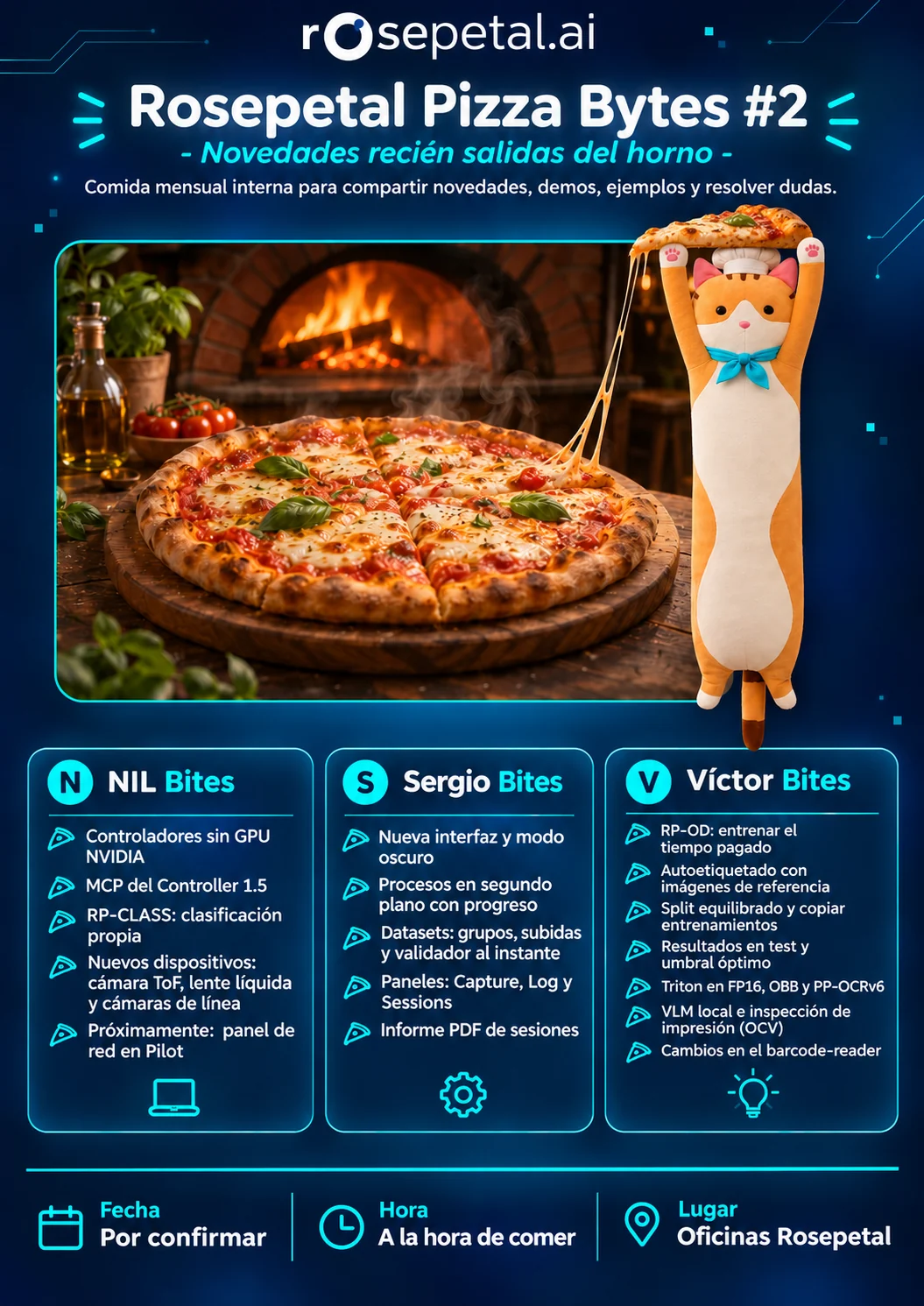
Date to be confirmed, at lunchtime, at the Rosepetal offices. This page sums up what changed for users from 26 September to 23 November 2026, since Pizza Bytes #1. A version released in the last weeks reaches each project with its next update.
Topics
| Presenter | Topics |
|---|---|
| Nil | Controllers without an NVIDIA GPU · MCP for the controller 1.5 · RP-CLASS · new devices: ToF camera, liquid lens, line-scan cameras · coming next: network panel in Pilot |
| Sergio | New interface and dark mode · processes with progress · datasets: groups, uploads and an instant validator · panels: Capture, Log and Sessions with a PDF report |
| Víctor | RP-OD: train for the time you pay for · automatic labeling with reference images · balanced split and copying a training · results on test and the best threshold · Triton in FP16, oriented boxes, PP-OCRv6 · local VLM and print inspection with OCV · changes in the barcode reader |
Guides
Step-by-step guides, with a video, for what this edition presents, recorded on the new interface.
New interface


Datasets
Labeling
Training

- My images are not used in training: setup checks (a page without video).
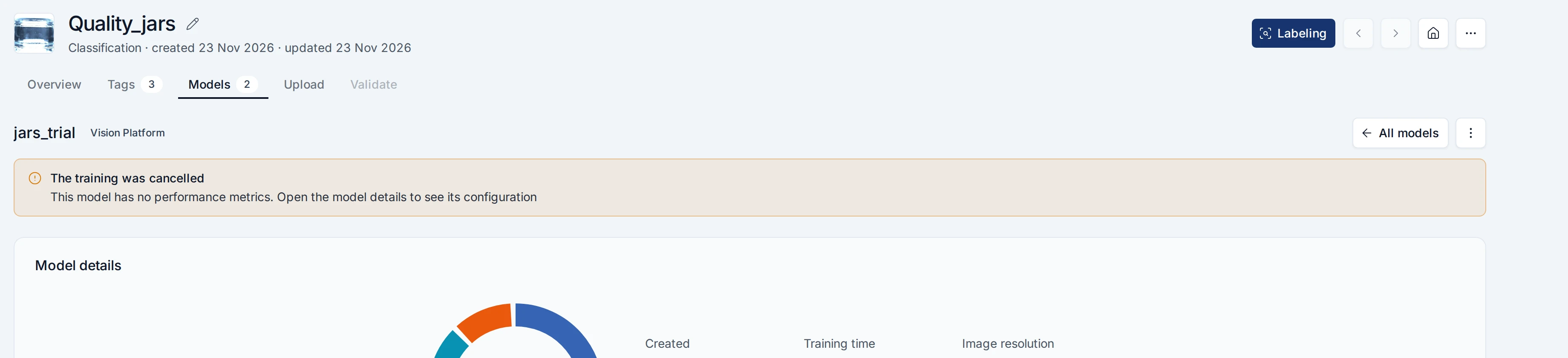
- A training failed or stopped early: fewer failed trainings (a page without video).
Models



Flows
Panels

Platform
New interface
- New design with dark mode. The app has a new design and a new login. Dark mode follows the system until you choose a theme, and Remember decides whether the session survives closing the tab.
- Processes with progress. Deleting a dataset, rewriting tags and uploading images show their progress in a processes panel and keep going in the background, with a notice at the end.
- Several controllers. Each browser tab keeps its own controller, a link opened in a new tab starts on the controller of its window, and two windows on two controllers of the same project no longer sign each other out. Settings › Controller reorders the controllers (the first one is the default).
Datasets
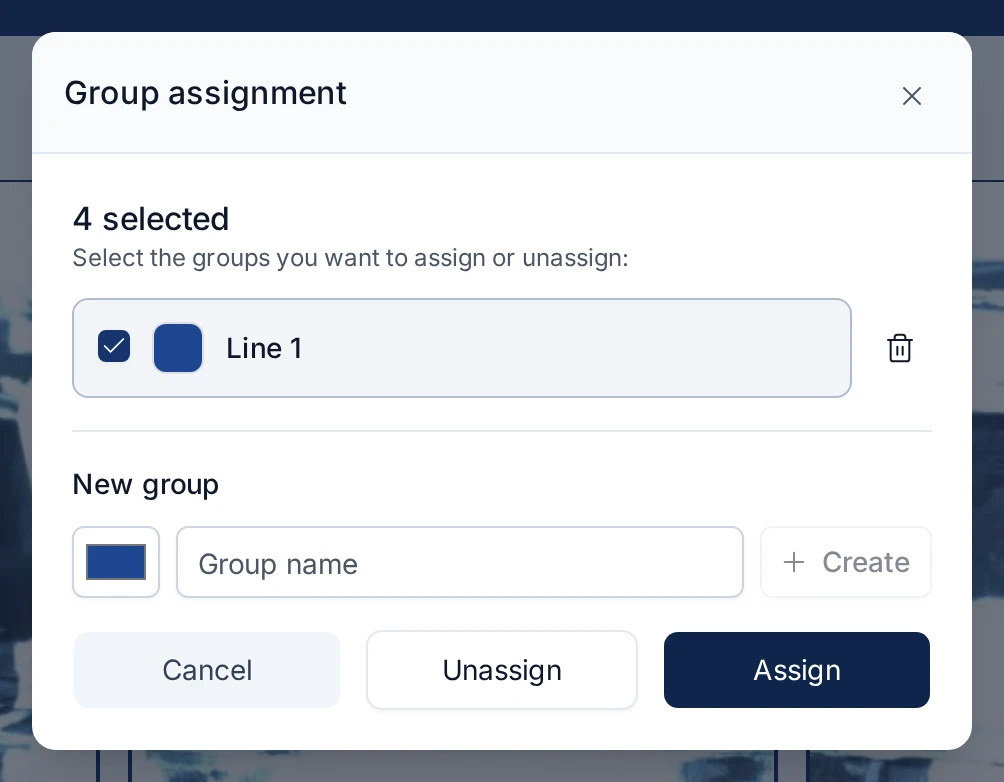
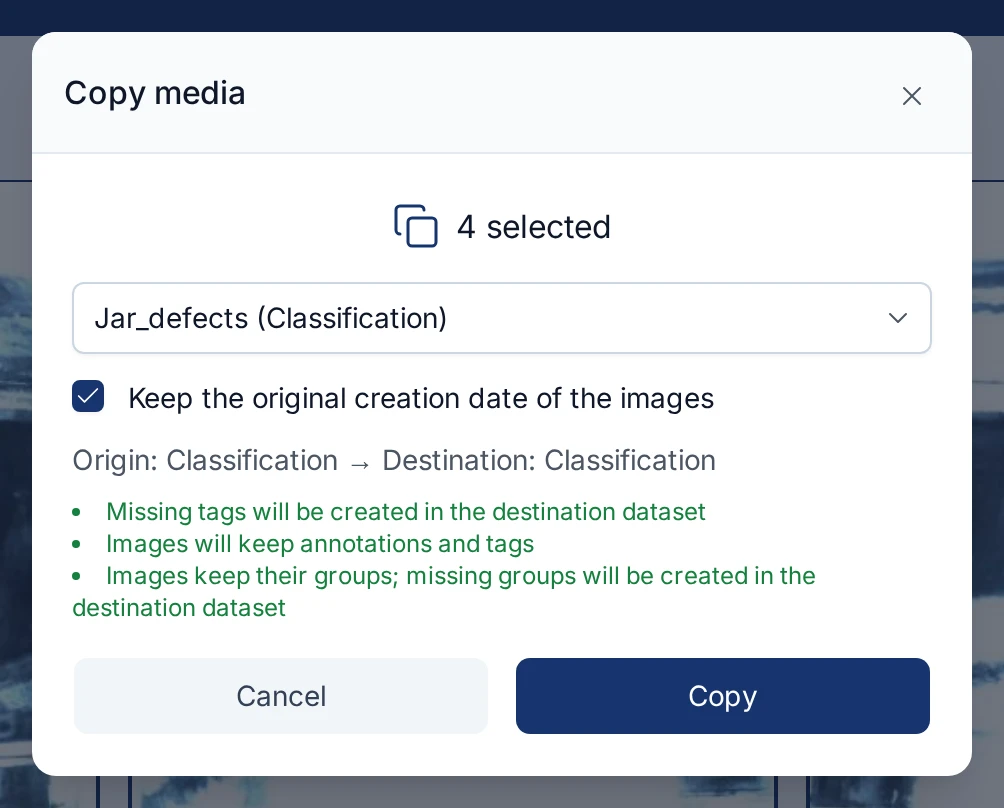
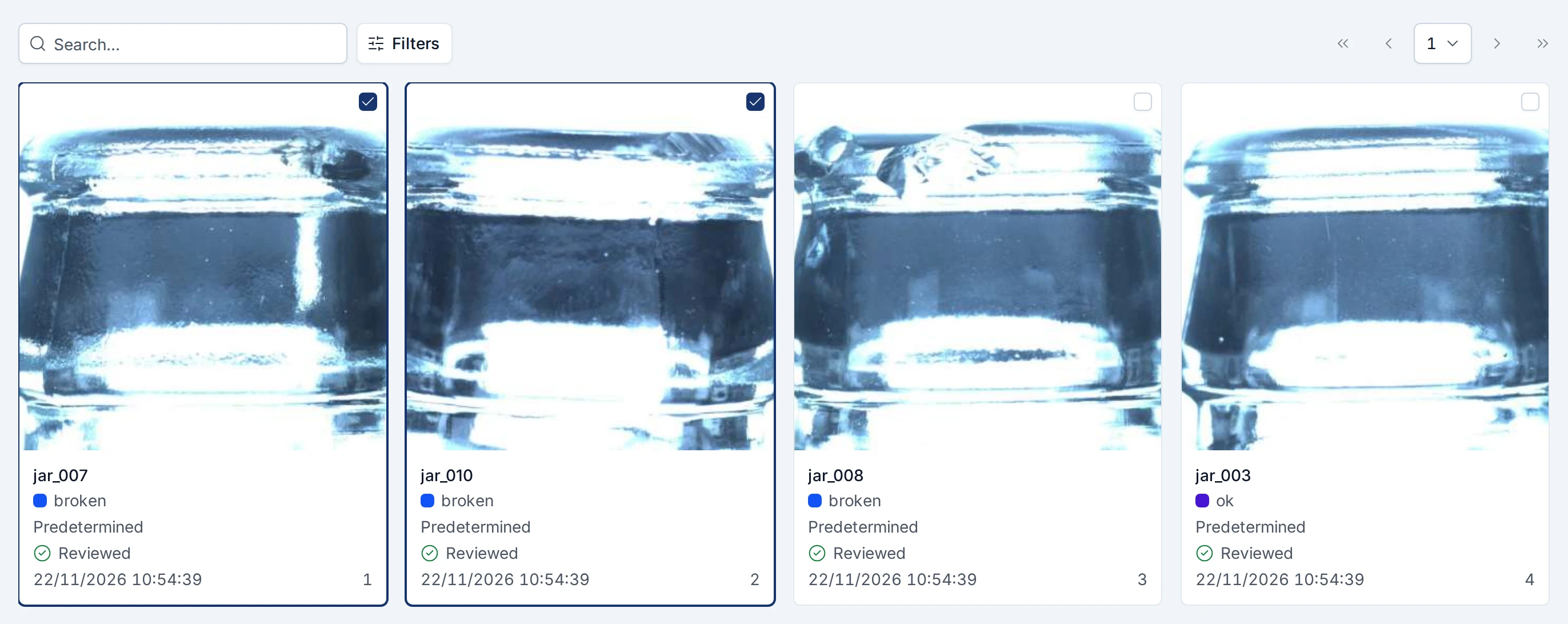
- Groups everywhere. In Labeling, the group counts follow the other filters, and the CSV download can add a GROUP column. Copying or moving images keeps their groups, creating them in the destination when they are missing, and a new destination dataset can be of another type. Annotations can be cleared for some groups only, from Tags or from the groups in Labeling.
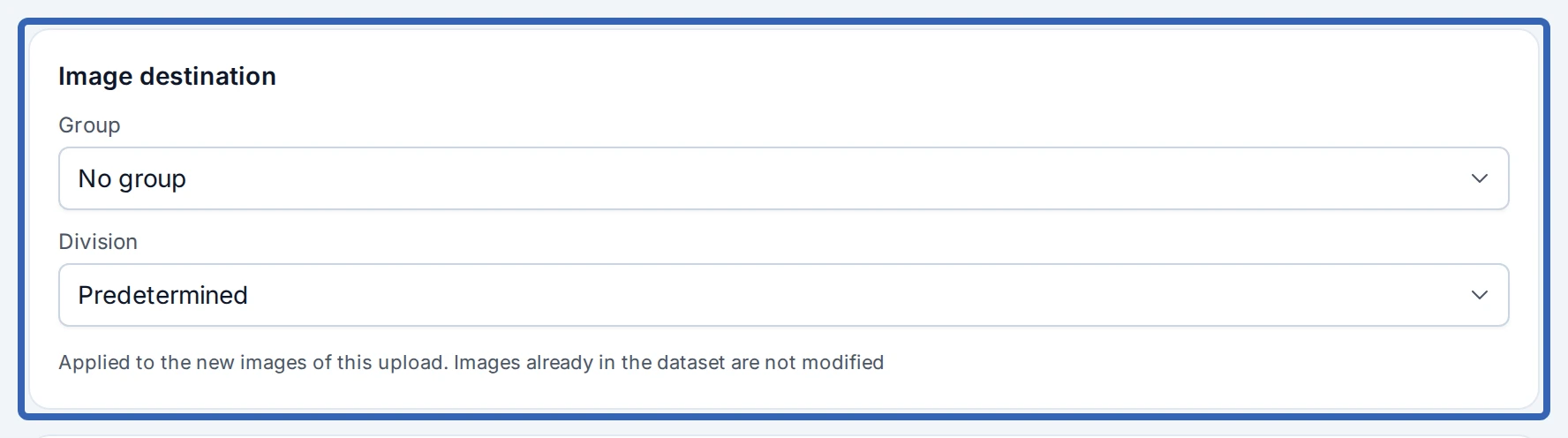
- Uploads. An upload survives a change of tab, can be paused, lets you choose the group and the set of the new images, and flags duplicates. Deleting a dataset with many heavily annotated images no longer fails, and a copied image has its own files, so deleting the original no longer breaks the copy.
- Faster screens. Dataset lists show at once, the Overview loads 12 images instead of the whole dataset, and filters that failed for lack of a database index work. On one large dataset each change in the training setup went from about 50 s to 0.6 s.
Labeling
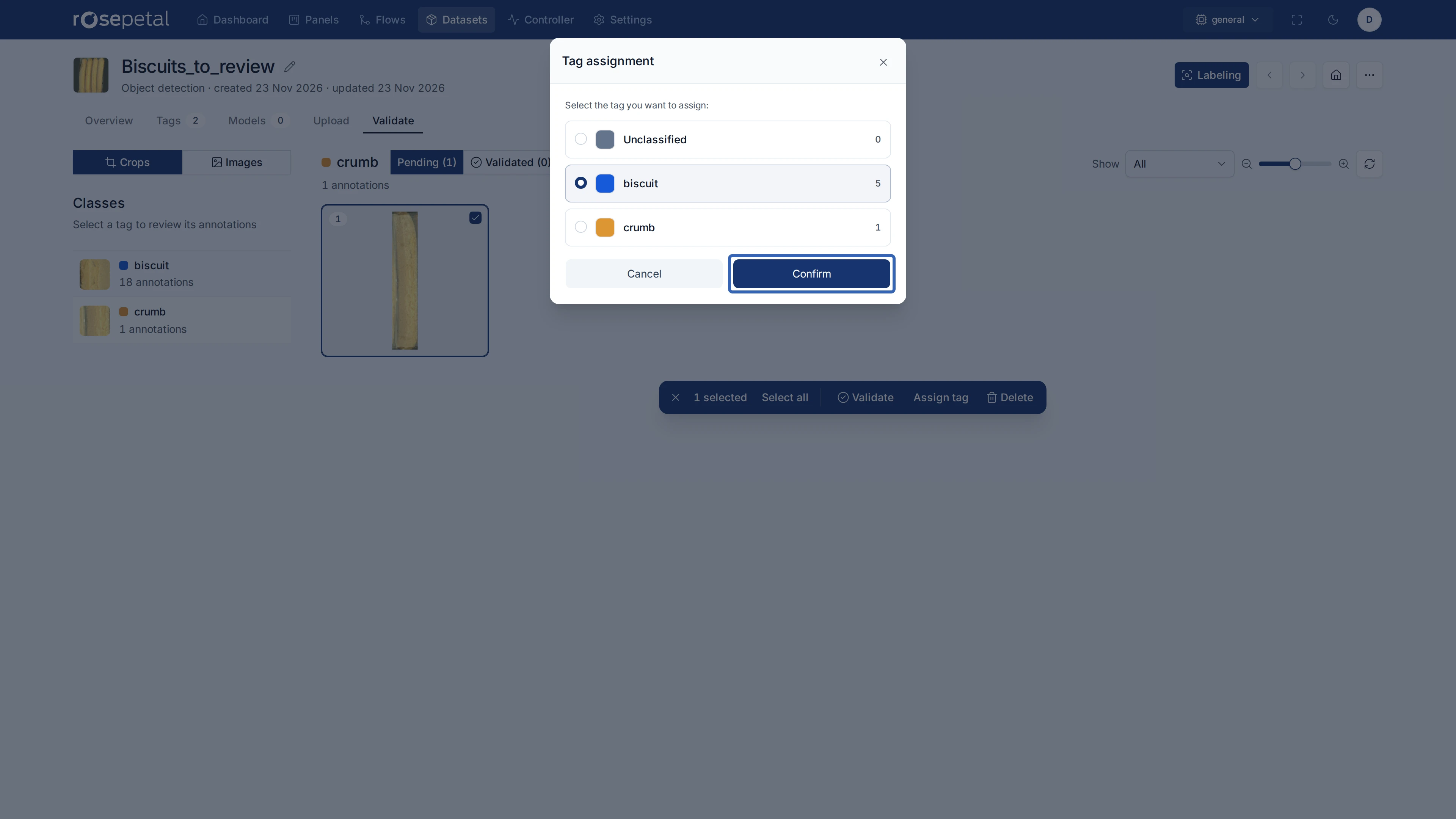
- Instant validator. Validate draws the crops in the browser: in one test with 2,544 annotations the grid appeared in 0.6 s instead of 7 minutes. Oriented boxes get crops too, and an annotation without a valid box shows a placeholder so it can still be deleted.
- Oriented boxes at the border. A label cut by the edge of the image is drawn whole, with its corners outside the image: only its centre and size must fit. The editor, the AI tools, imports and training follow this rule, and evaluation and the Labeling thumbnails draw manual oriented boxes.
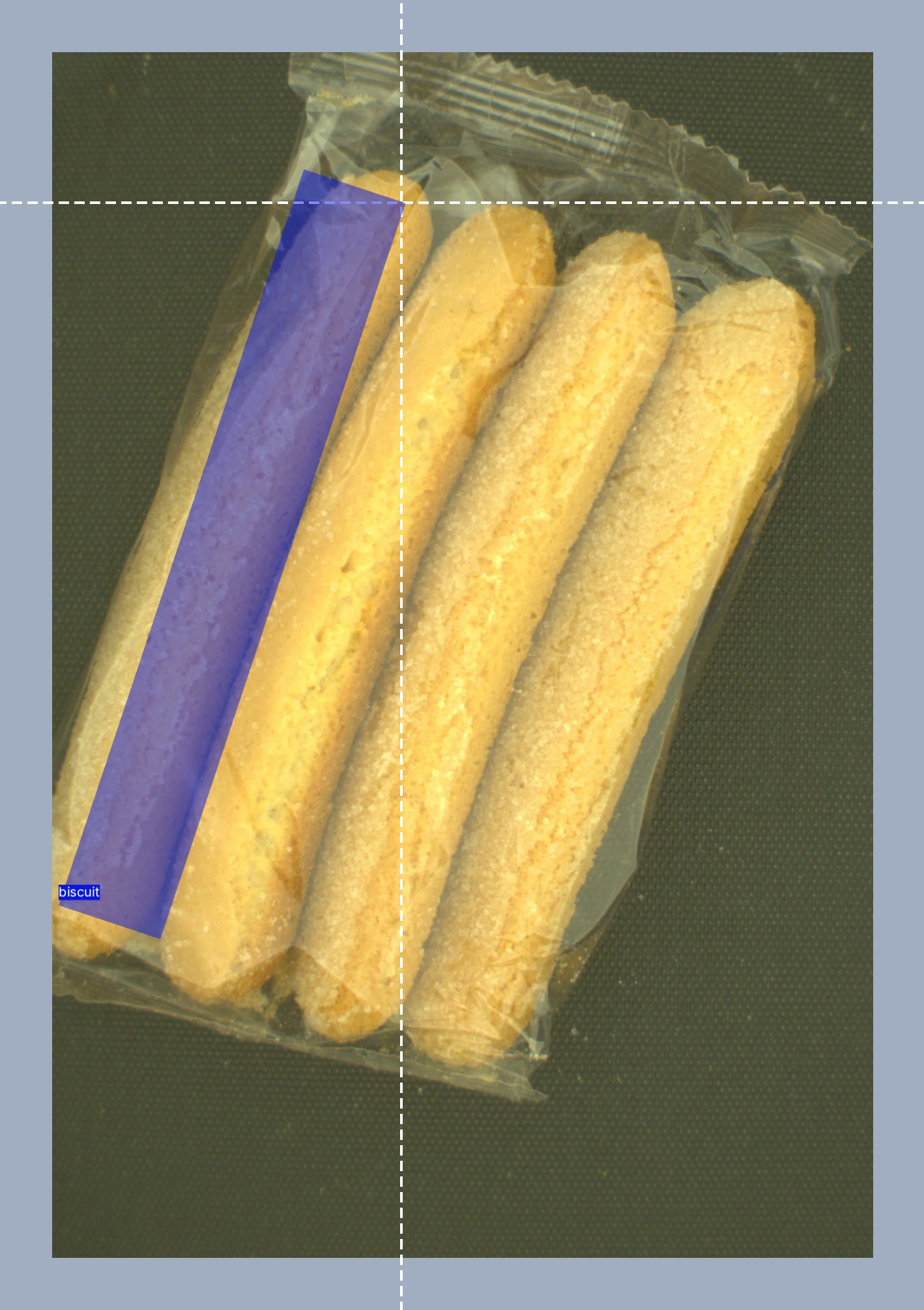
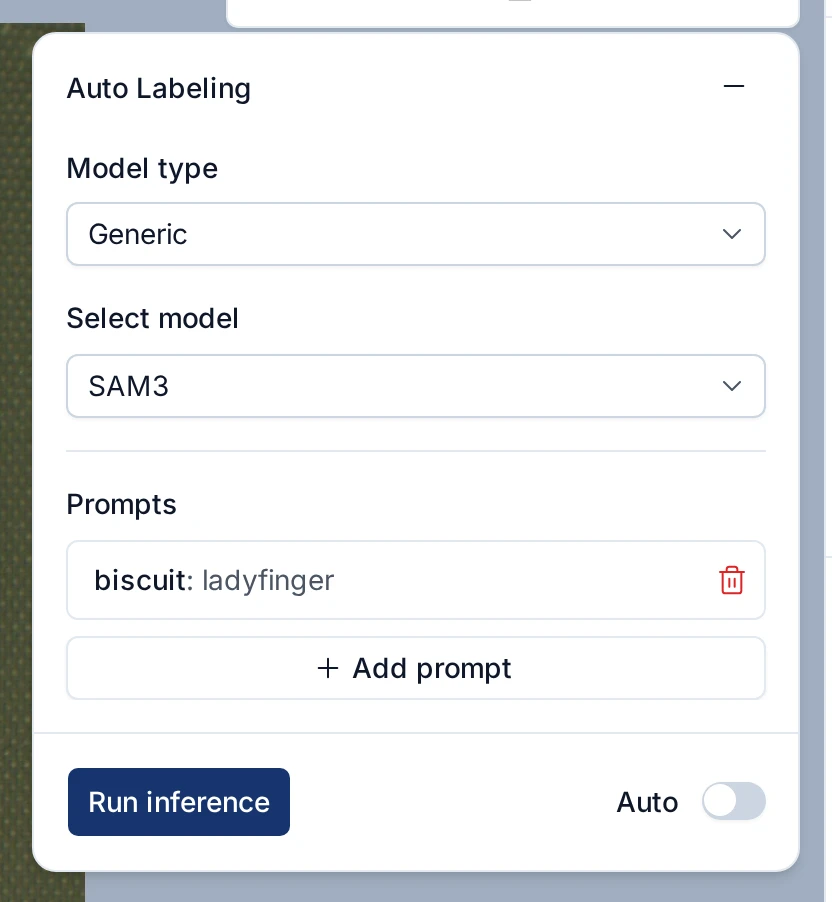
- Reference images for automatic labeling. With the Generic API labeler on detection datasets, choose up to three labeled images, or press Suggest, so the model looks for the same kind of object. In a short test on 8 images, two references raised the F1 of every model tried, by up to 0.13.
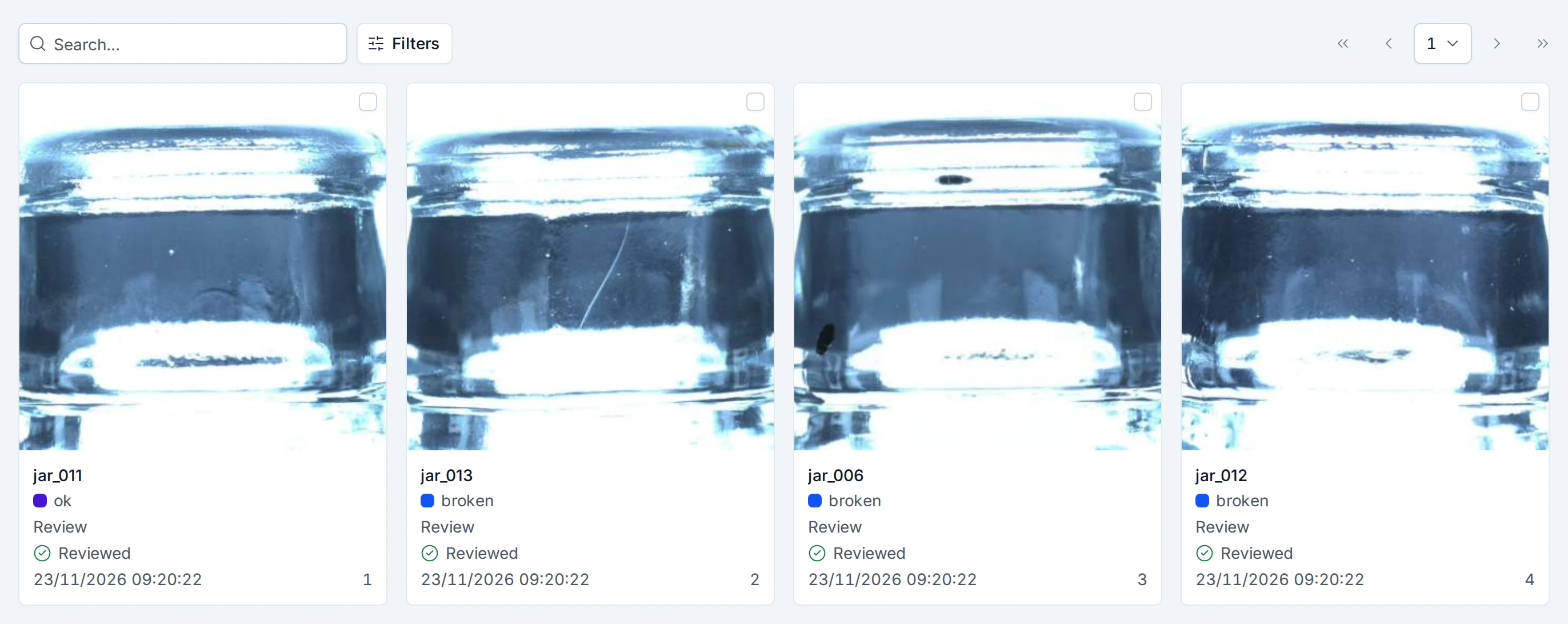
- Better automatic classification. Classifying by similarity uses DINOv3 embeddings: on 11 classification datasets, macro-F1 went from 0.57 to 0.62 with 3 labels per class and from 0.68 to 0.75 with 10.
- Editor fixes. Hidden segmentation masks, moved or resized boxes, and undoing back to the loaded image are saved. Back closes the editor, F11 goes full screen, and the tool panels can be moved.
Training
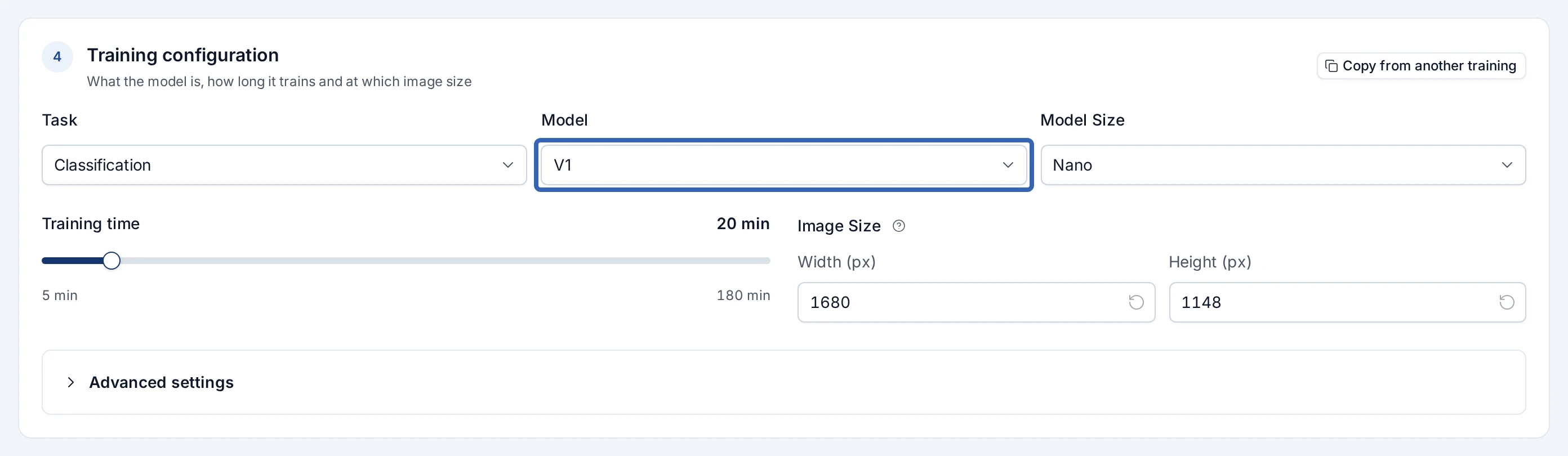
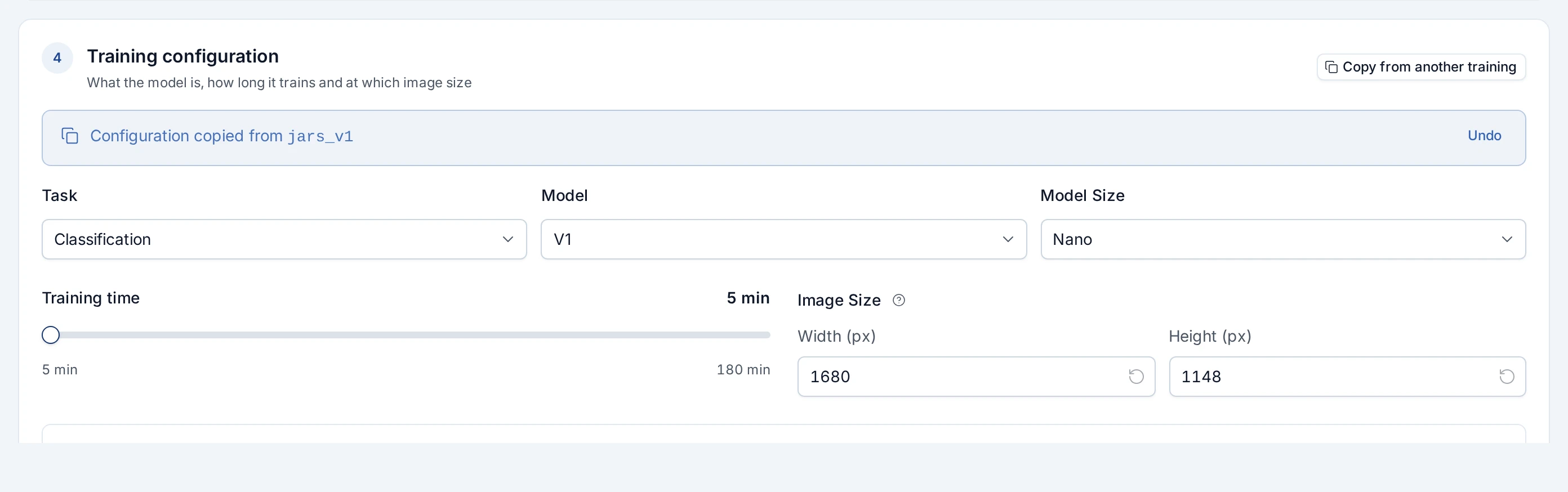
- Train for the time you pay for. The new RP-OD detection models (Small, Medium and Large) and single-stage YOLO train for the paid time instead of a number of epochs and, when the time runs out, end with "Trained for the full time". The new RP-CLASS classification family, in four sizes, trains the same way. RP-OD's advanced settings add augmentation by phase and more samples of rare classes.
- Copy a previous training. Copy from another training fills in the configuration of an earlier training, shows what must change for this dataset, and can be undone. The split, the name and the tags are not copied.
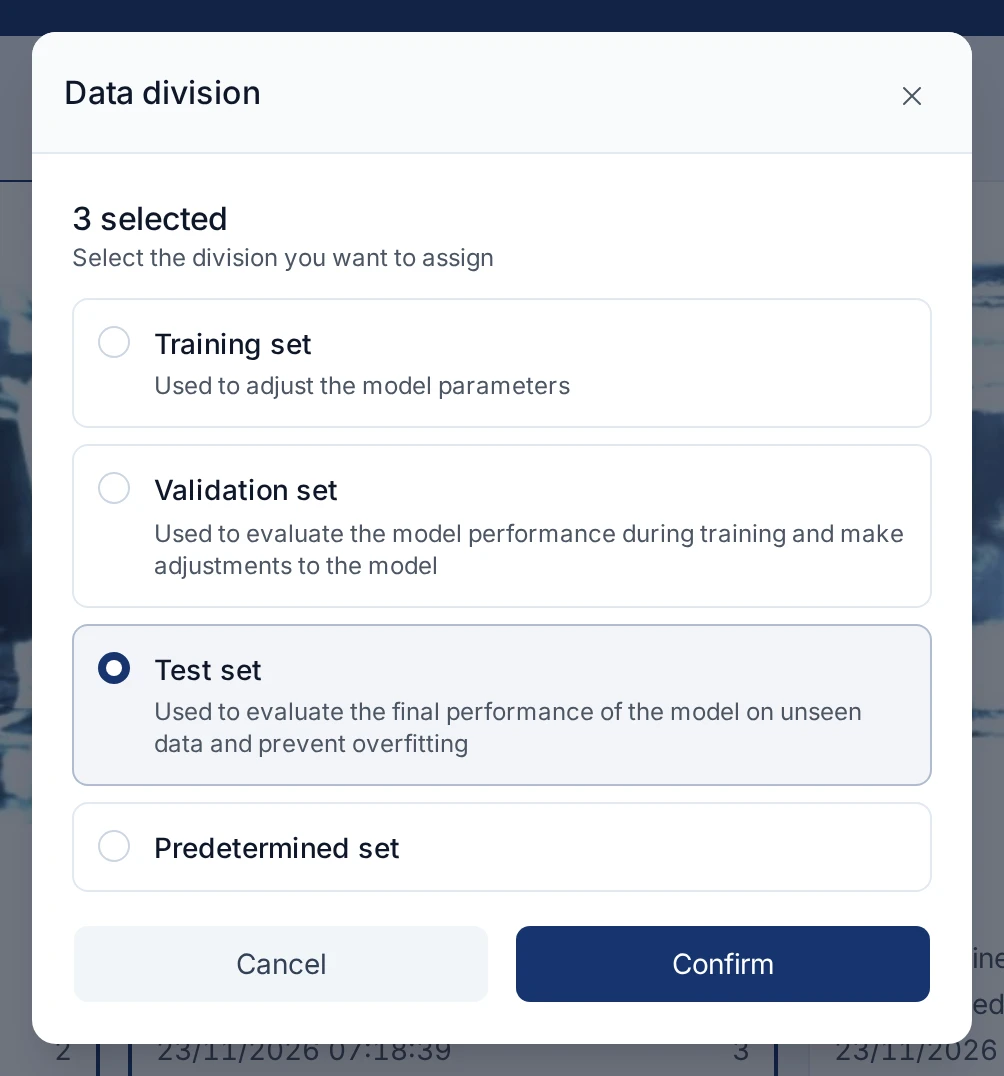
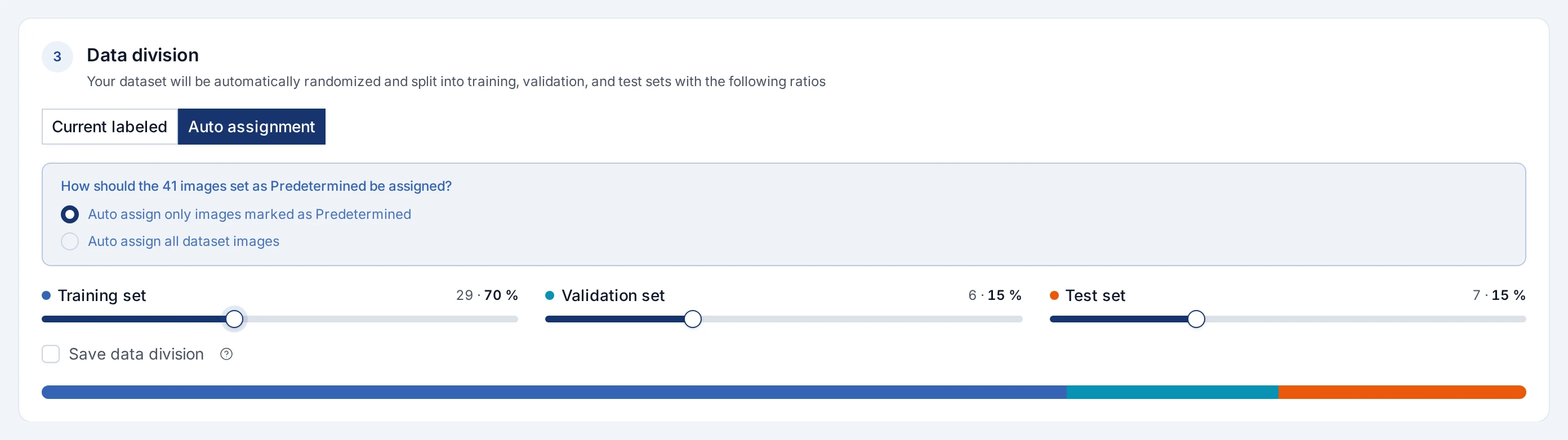
- Balanced split. The random split gives every class its share of validation and test. Balance groups too, on when the dataset has groups, also spreads each class over its groups; turn it off when a group holds near-identical photos of the same part.
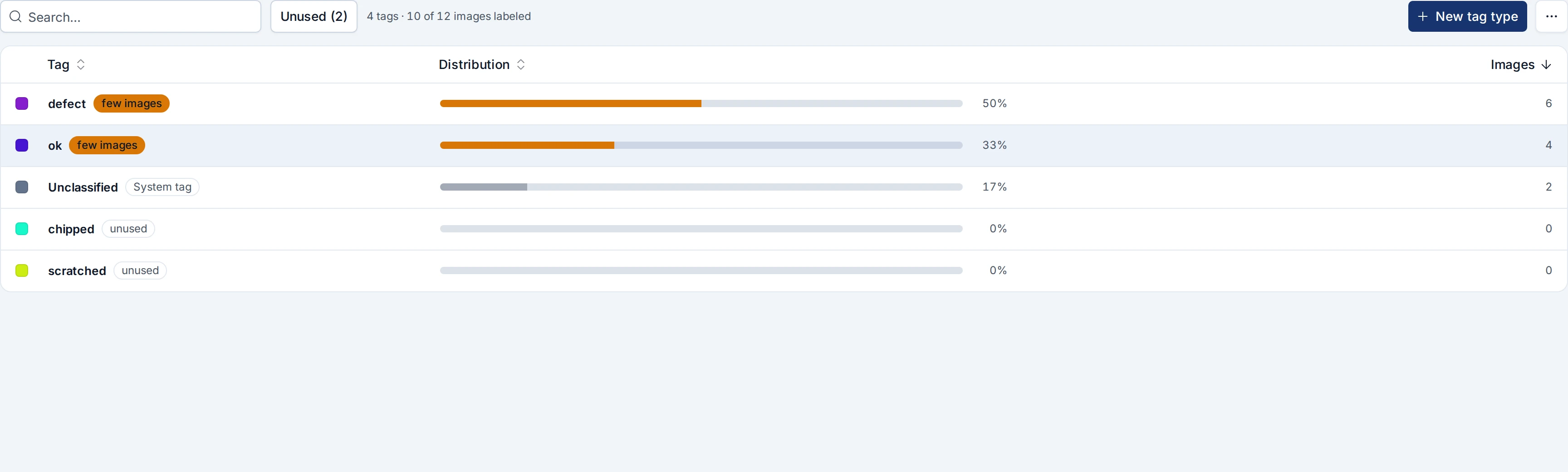
- Setup checks. Tags below the minimum (10 annotations, or 10 images for classification) start unselected. Normal images of segmentation datasets are counted and trained on. PaDiM, PatchCore, AnomalyDINO, SuperADD and Florence-2 have no time slider: the platform sizes and prices the training.
- Advanced settings. RF-DETR gets an Augmentation section (flips, rotation, brightness and contrast, blur, noise), DEIMv2 shows its learning rate, EMA and augmentation, and every section has an Enabled switch. The learning rate and batch of text recognition are applied.
- Follow a training. The extended log updates live, within about 2 s, and the results say how a training ended: every epoch trained, stopped early, trained for the full time, or out of GPU memory.
- Fewer failed trainings. A training that runs out of GPU memory is retried once on the next GPU (T4, L4, A100) at the quoted price, the platform searches more regions for a free GPU, and images download about 5 times faster on large datasets, so more of the paid time goes to training. Since 9 October a failed training gets its tokens back.
- Fixes. RF-DETR Large no longer stops at its first validation. RF-DETR trainings from mid-October to 12 November have no epoch chart. Boxes that stick out of the image slightly are cropped for training; between 6 and 18 November they were left out. DEIMv2 atto, femto and pico models predict with the decoder they were trained with (in one test, AP50 went from 0.27 to 0.50).
Models
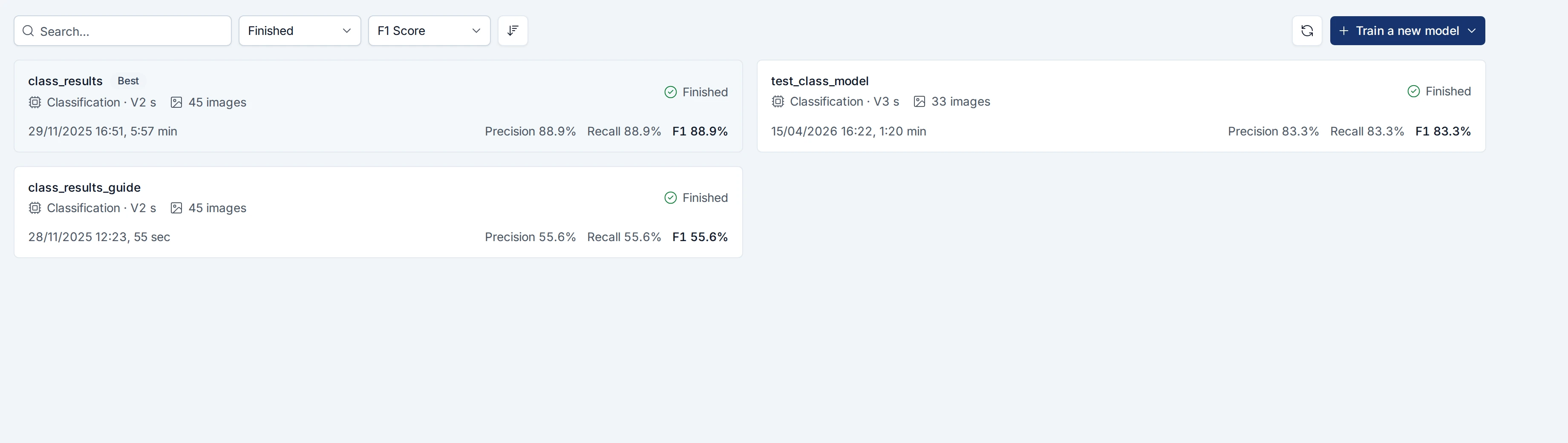
- Results on test. Results open on the Test set with instance metrics and follow the Subset menu, and the chips and the score sort of the models list use the same figures.
- Anomaly models, per image. Results show Accuracy, False rejects and Defects found, and say when a model was never tested on defects. For models trained before 22 September, False rejects and Defects found are swapped.
- Best threshold. Detection, segmentation and oriented-box trainings try 19 confidence thresholds: the model comes with the one that gives the best F1 on validation, and its results are computed at it.
- Models page. Search models by ID and evaluation images by name. The details show the task the model was trained for, and the comparison view shows the manual annotations of classes the model never predicts. A model still training cannot be deleted.
- Tokens. When the allowance is used up, the AI tools say so instead of showing "Network Error".
Flows and panels
The vision-platform nodes went from 1.4.10 to 1.4.16, the panel widgets from 1.0.28 to 1.0.53 and the barcode reader package from 1.3.0 to 1.5.3.
Barcode reader
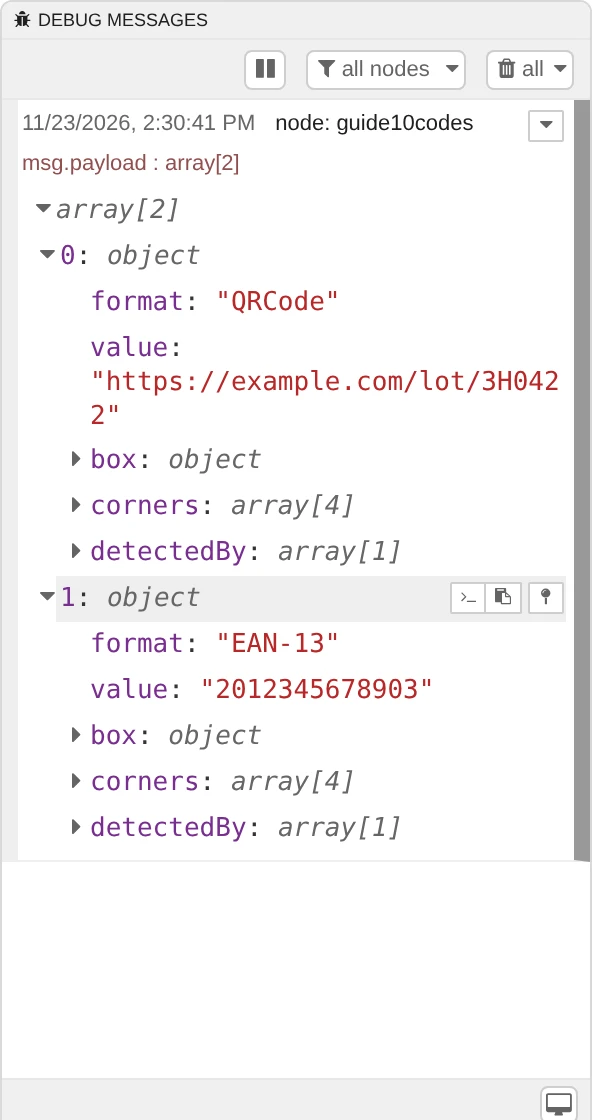
- Sharpen. The barcode reader has a Sharpen preprocessing for blurred or out-of-focus codes, on the ZBar, ZXing and Quagga2 decoders.
- Format names changed. Every decoder reports the same format names (
Code128,QRCode…): flows that compare ZBar names such asCODE-128must be updated. Stacked codes on one label are no longer merged into one. - New package name. Since 1.5.3 (22 November) the node is published as
@rosepetal/node-red-contrib-barcode; flows need no change. Controllers get it with the next Node-RED image; where the old package was installed by hand, uninstall it first.
Print inspection
- Print-inspection package. Version 1.0 edits label templates with barcode, text and blemish regions. 1.0.1 adds OCV (characters checked against trained fonts), and in 1.0.2 Read on an OCV region takes the text from PaddleOCR.
Panels
- Whole pages in one widget. Capture records capture sessions and uploads them to datasets, Log lists errors with a low-disk guard and uploads or downloads selected images (the upload to datasets and the low-disk cut have not been tried on a real line yet), Sessions reviews inspection sessions, Login logs in as
usuariooradminand sets which pages each role and a logged-out visitor see, and Style sets the font and corners. - Session PDF report. The Sessions page downloads a PDF report with the first and last piece and one row per error with a sample crop and, when the flow records them, its figures (OCR score, defects). The table sorts by column, and the details show the configuration of the session.
- Image log and dialogs. The image log selects several images to upload or download, and drops images once they are uploaded. Image dialogs get a ⚙ menu (labels on hover, filled boxes), and no longer close by themselves when the flow sends the whole list again.
Models on the controller
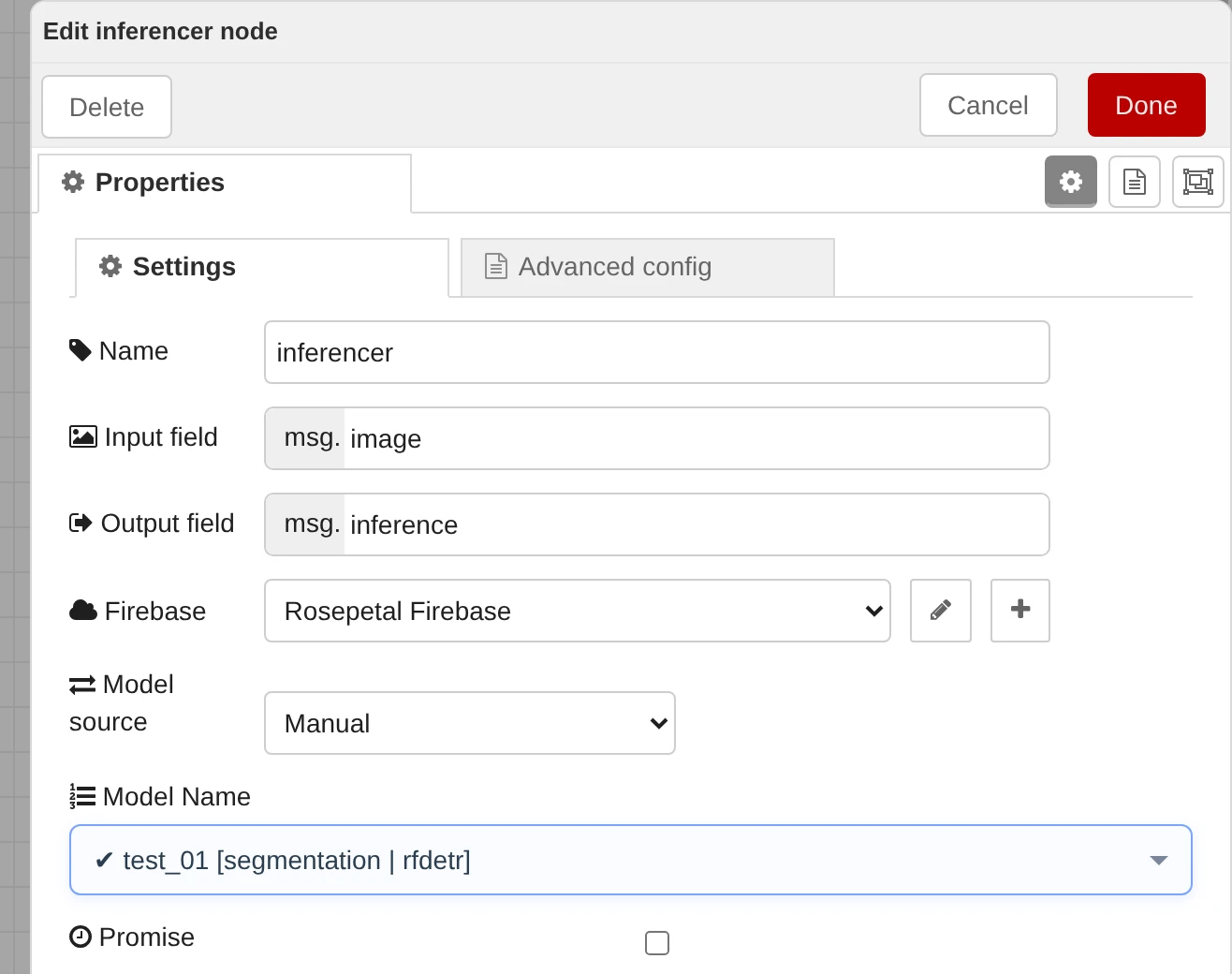
- Triton in FP16. The Triton inferencer has a Precision option, FP16 by default for new nodes: with RF-DETR on an RTX 3060, 3.9 ms per image in FP16 against 13.1 ms in FP32.
- More model types. YOLO oriented boxes and the new RP-OD and RP-CLASS models run on the inferencer and the Triton inferencer (without slicing for oriented boxes on Triton).
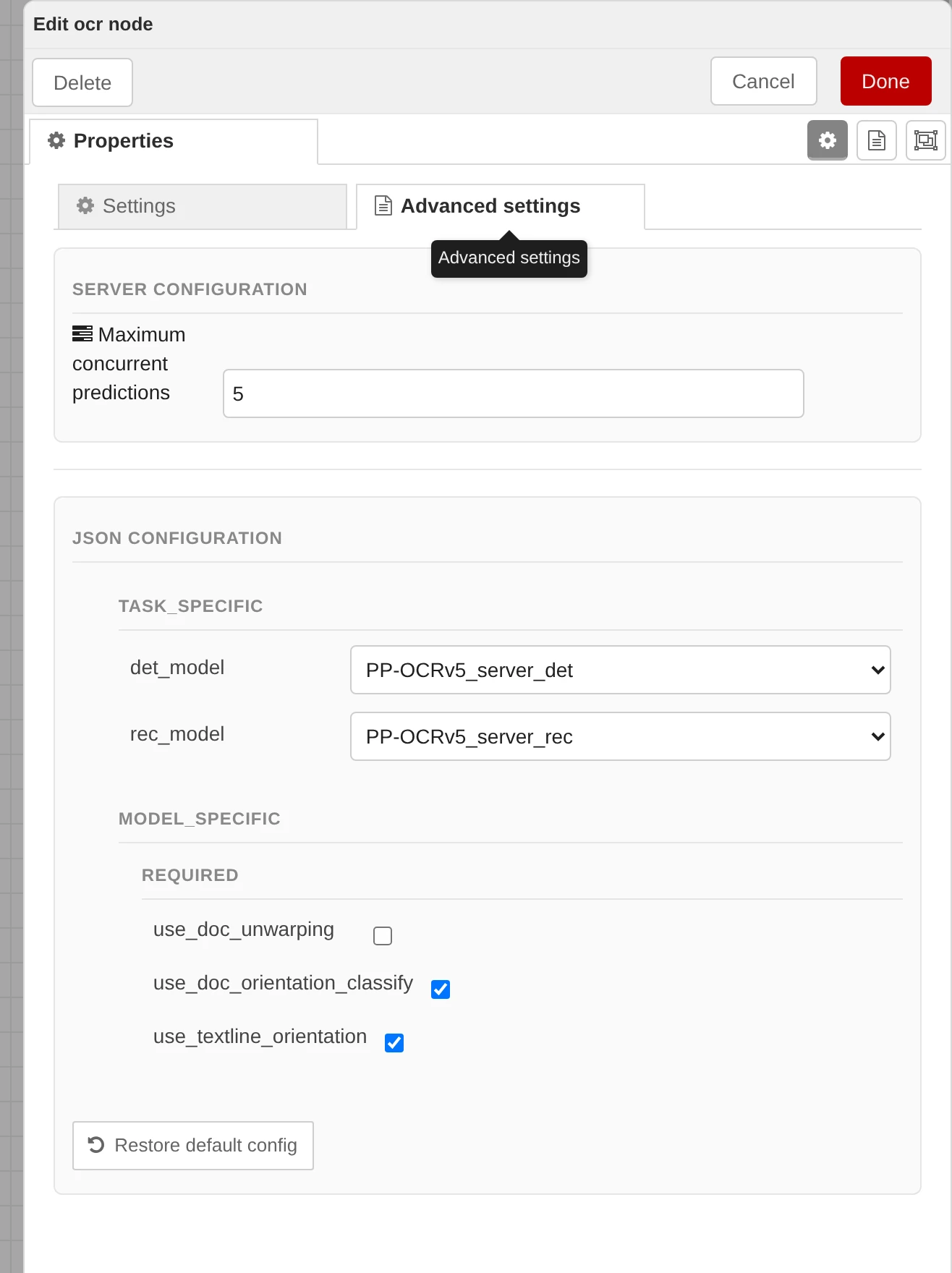
- OCR. Both OCR nodes offer PP-OCRv6 (tiny, small, medium), and the VL task of the OCR node runs PaddleOCR-VL, with a choice of version.
- VLM on the controller's GPU. The first version of a local VLM node finds objects from a prompt or a list of tags with an open model running on the controller, with the same output as the inferencer.
- Fixes. Dataset upload and VLM Online work with file-based credentials, the default of new Firebase config nodes.
Cameras and devices
- New packages, in alpha. Basler blaze ToF cameras, Optotune liquid lenses focused by distance, JAI line-scan cameras and eBUS line-scan cameras.
Controller
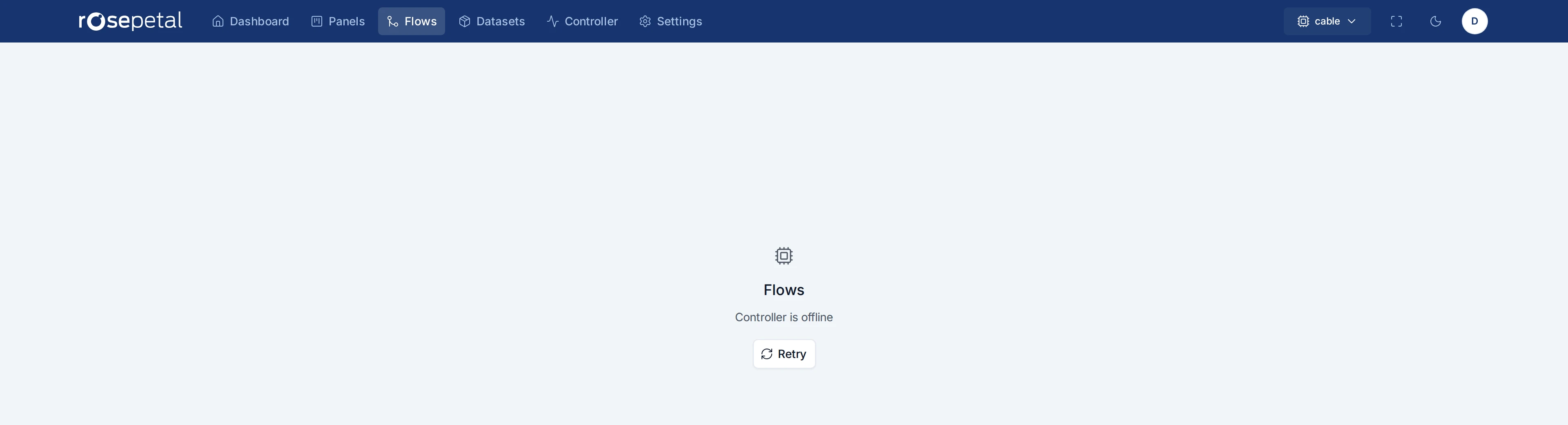
- Controllers without an NVIDIA GPU.
rosepetal-cli0.4.57 installs a controller on a computer without an NVIDIA graphics card: it warns that the controller will run on the CPU only, and later upgrades keep it that way. It has not been tried end to end on such a machine yet. See Installation. - Packages and services from the CLI. Rosepetal can let a user install private Rosepetal packages, and pull and run services, from the menu of
rosepetal-cli. Installing a private package that depends on public Rosepetal packages no longer fails. - MCP for the controller 1.5. When Claude is connected to a controller it sees the status of the nodes, gets the real result of each deploy (errors, red nodes, flows stopped by missing nodes), can preview a change before applying it, check flows for common mistakes, compare versions of a flow in git, and follows a guide to Rosepetal's conventions. With Message Control 1.3 it also reads the last messages of each node and the Node-RED log. Sending test messages into nodes is off unless it is enabled on the controller.
- Restore from another partner's backup. A user who belongs to several partners gets a partner picker in the Restore dialog of the management console. See Backups.
- Camera viewers. The camera viewers that open in the browser come back after the controller restarts.
Documentation
- API/MCP. The HTTP API and the MCP server have reference pages, with how to connect an assistant.
- Controller. New pages for the installation, updates and troubleshooting: running Install controller again on an installed controller is a reinstall that erases its data, not an update.
- Network and remote access. Network has new diagrams, the requirements of each scenario (standard, restricted, offline) and a PDF of each standard setup for the plant's IT team.
- Audit trail. The Audit trail page says what the software records and maps 21 CFR Part 11 and EU GMP Annex 11 to the software, a regulated project and the customer.
- Pizza Bytes. This section, with a page per edition.
Coming next
Merged and on the way, not released or not live yet:
- New models for automatic labeling through an API: GPT-6.1 Terra as the default, the new Gemini 4 Hydrogen and Carbon, then Gemini 3.8 Flash; they also label oriented boxes and read text. The editor is ready; the new model list is not live in production yet.
- Print inspection after 1.0.2: a label dialog with every check and its limit, and a less sensitive blemish check (on 33 real labels, false rejects went from 4 to 0).
- Network panel in Pilot: every port, which one reaches the internet, diagnostics from a chosen port, and changing a port's IP with an automatic rollback if the change is not confirmed.
- Clearing a controller back to a fresh install, after a safety backup that can undo it.